
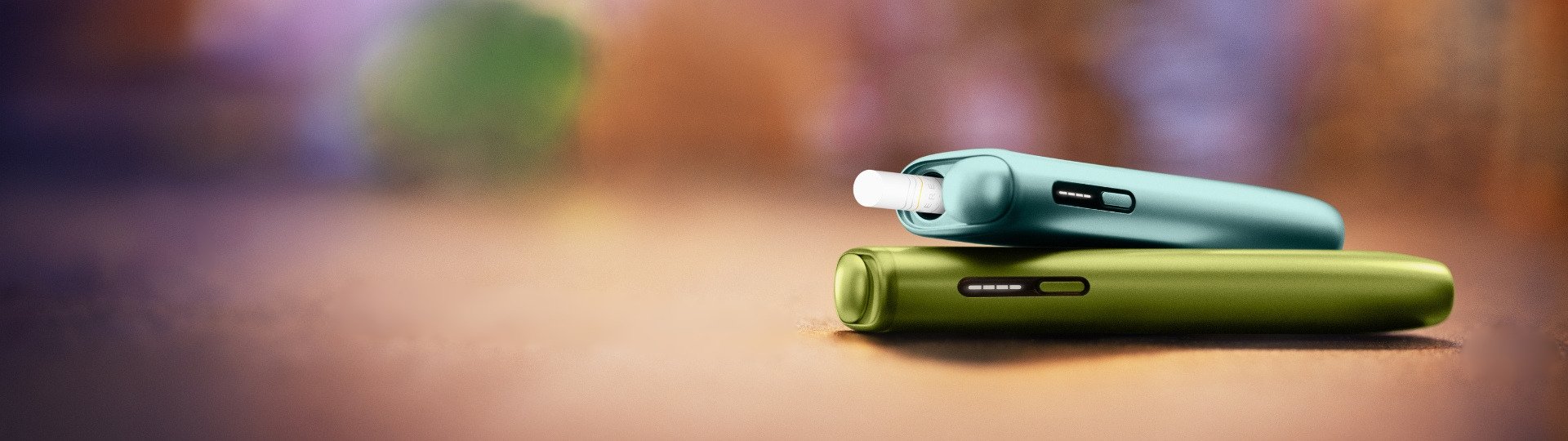
Your first steps
with your IQOS
ILUMA i ONE


How to use the new IQOS ILUMA i ONE
You have got your new IQOS ILUMA i ONE: Here’s how to use IQOS ILUMA i ONE for the first time.
- Press and hold the ON/OFF button of your device for 4 seconds and then release; Your device Status Lights will turn ON slowly.
- Before first use, fully charge your device for approx. 90 min following the enclosed Safety Warning & Instructions.
- Slide to open the cap. Insert a SMARTCORE STICK™ up to the filter line, until the device vibrates and Light(s) pulse(s).
- Preheating happens automatically after 1st vibration or by pressing the button for 1 second. The device is ready to use after the 2nd vibration.
- During use, the Status lights will indicate the remaining time of your experiences. When the device vibrates and the light flash, you have 2 last puffs or 30sec left.
- Once your experiences finished, remove the used SMARTCORE STICK™ and dispose as per Safety Warnings & Instructions.
- Slide to close the cap.
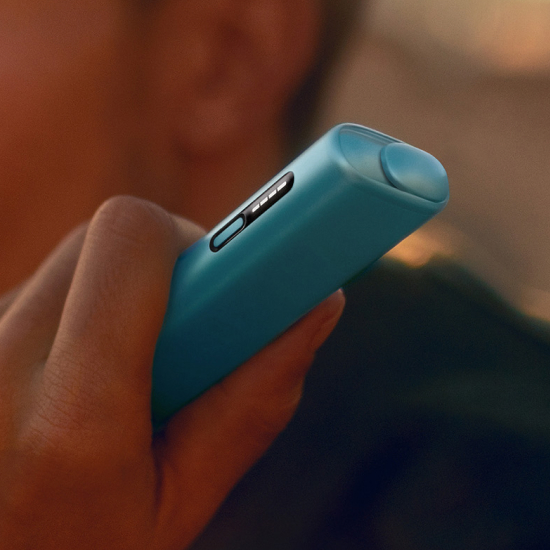

How to charge your IQOS ILUMA i ONE and how long to charge it
Follow these easy steps to ensure the optimal charging for your device:
- Plug the AC Power Adaptor (sold separately) and cable to your device and then to a wall power outlet for 90 min for full charge.
- During charging, the strip lights on the device will pulse.
- If your device is fully discharged, the first light may take a few seconds to start blinking yellow. Once the device goes over 7% of charge, the color of the blinking light will change from yellow to white.
- While charging, the status light blinks, indicating the level of the charge:
a. All 4 strip lights turn solid white: 100% charge level
b. 3 strip lights turn solid white: 75% charge level
c. 2 strip light turn solid white: 50% charge level
d. 1 strip light turn solid white: 25% charge level
Watch the tutorial to learn more on how to charge IQOS ILUMA i ONE.
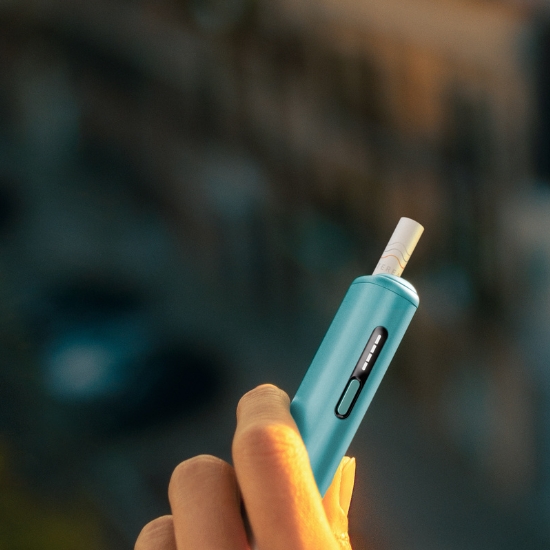
IQOS ILUMA i ONE
Advanced features
FlexPuff
FlexPuff is a smart feature that is activated by default on new device and may extend your experience duration based on your usage pattern up to 6 minutes.
Your device will automatically analyze the consumed volume of aerosol and might activate FlexPuff. If Flexpuff will be activated, then you will be granted with 4 extra puffs, that can be used within the remainder of the 6min. FlexPuff is designed to work with tobacco sticks.
Activation and number of puffs depend on individual usage patterns, thus extended experience might not apply to all adult consumers and/or experiences. When the device vibrates and the light flash, you have 2 last puffs or 30sec left.
Visit your nearest IQOS Kiosk or IQOS Partner store to activate/deactivate the IQOS ILUMA i FlexPuff feature.
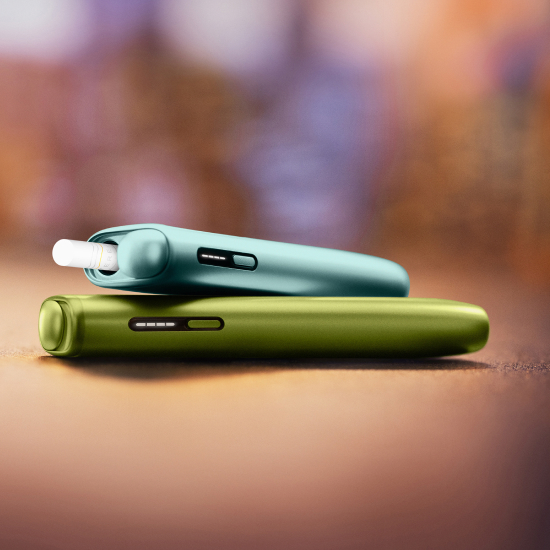
IQOS ILUMA i ONE Usage Tips
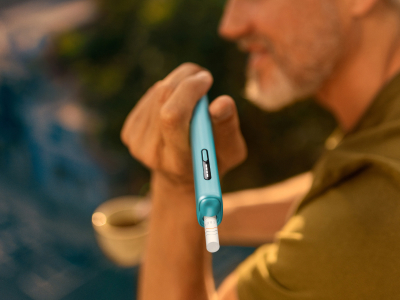
Inserting SMARTCORE STICKS™
Make sure you only use SMARTCORE STICKS™ with your IQOS ILUMA i ONE. They are single use, so ensure you do not reinsert a used one.
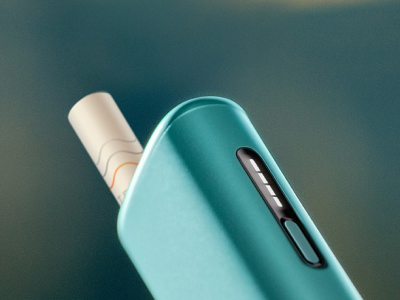
Keeping device charged
Charge your IQOS ILUMA i ONE with compatible AC Power Adaptor (sold separately) and cable daily.
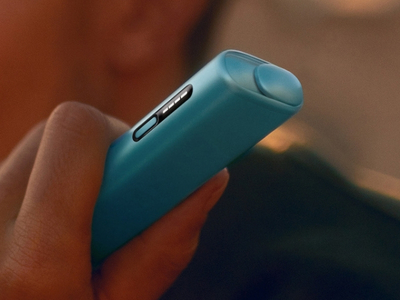
Customize your device
Visit your nearest IQOS Kiosk or IQOS Partner to learn more about accessories available to customize your IQOS ILUMA i.


IQOS ILUMA i ONE User Guide
That’s not all. There’s more useful information on our IQOS ILUMA i ONE User Guide.
Want to chat?
We're here for you in-store or at your fingertips. You choose.


IQOS ILUMA™ is designed to be used only with SMARTCORE STICKS™. Do not use IQOS ILUMA™ and SMARTCORE STICKS™ with previous IQOS™ generations, as this may cause damage to your device. Do not ingest or disassemble SMARTCORE STICKS™. This product contains a sharp metal part which can cause serious injury if swallowed. Keep out of reach of children.
Visit Important information.