
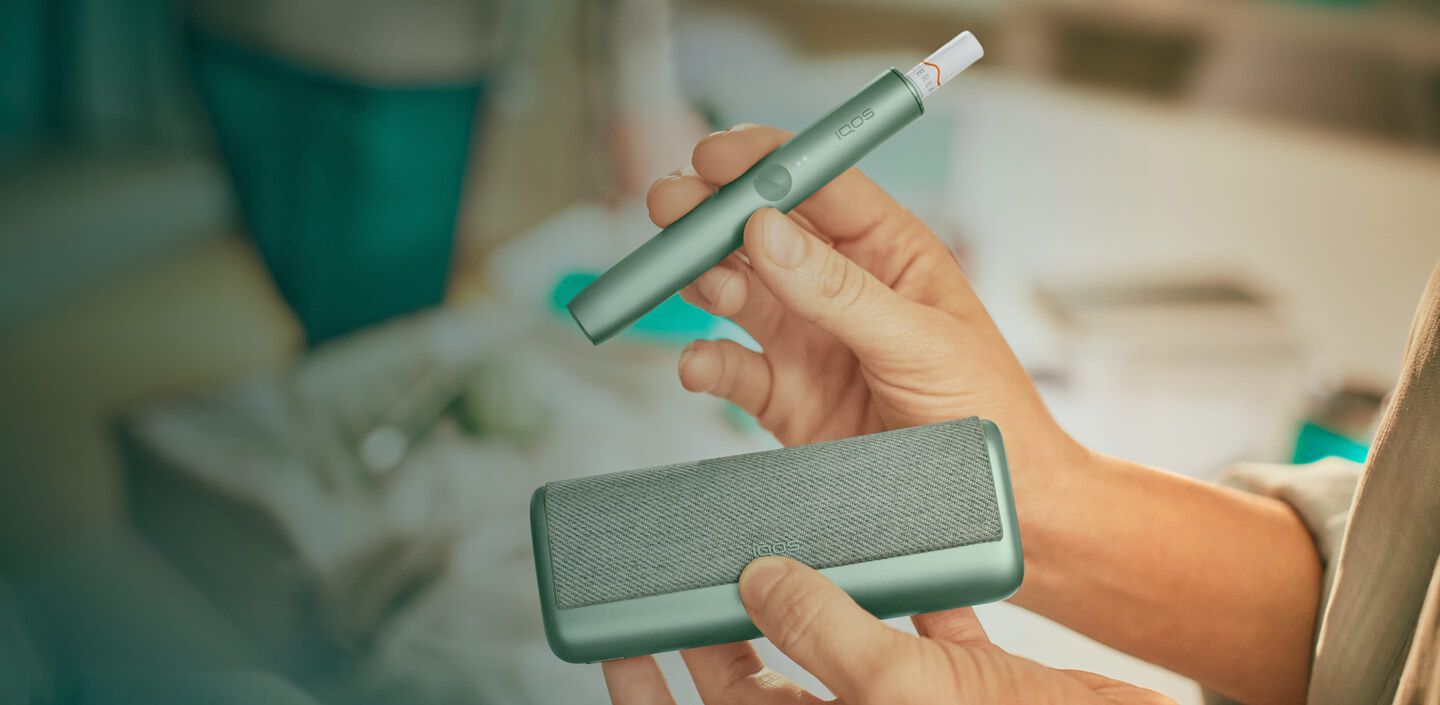
Your first steps with IQOS ILUMA PRIME


Get started with your new IQOS ILUMA PRIME in a few easy steps
- Before first use, fully charge your device with the Charging Cable (approximately 135 minutes). Tap the button on your IQOS ILUMA PRIME Pocket Charger to check your battery level. If the level is low, then charge the Pocket Charger with a manufacturer-approved power adaptor.
- By pressing the button at the top of your Pocket Charger for four seconds you can turn the device ON/OFF. Then check the status lights on your IQOS ILUMA PRIME Holder to see how many experiences you have. Two lights mean it’s fully charged (ready for two uses). One light means it’s ready for one use. No lights mean the Holder needs to be charged in the Pocket Charger.
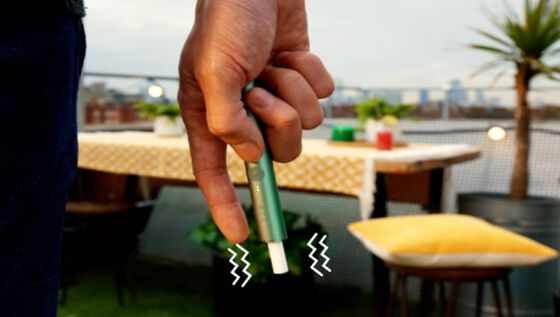
- Gently insert a TEREA stick as seen in the video. The Autostart is activated upon insertion of the TEREA stick. If the Autostart is disabled, you can press the button on the Holder to start the experience. One vibration and lights pulsing slowly means it’s heating up the TEREA stick. Two vibrations and light(s) ON means it is ready for use.
- When you feel another two vibrations, your IQOS time is nearly up (30 sec or 2 puffs remaining). Simply remove the TEREA stick and remember to use a new stick for your next experience. Remember that one light means you only have one experience left, so you'll need to charge the Holder in the Pocket Charger after your next experience.
- When your Holder is in the Pocket Charger there are two round lights that indicate the status of the Holder. When the round lights are pulsing white, this means the Holder is getting charged. One or two solid round lights on the Pocket Charger indicates how many experiences you have readily available.
Charging your IQOS ILUMA PRIME
- Before first use, fully charge your device with Charging Cable (approximately 135 minutes). Tap the button on your IQOS ILUMA PRIME Pocket Charger to check its battery level. If the bottom of the light strip flashes yellow 3 times this means the battery is low on charge. Charge the Pocket Charger with a manufacturer-approved power pdaptor. Please note that it can take up to 20 minutes to have a light pattern if it was deeply discharged. When the status bar is fully lit up, your device is fully charged and can be used up to 20 experiences.
- Check the status lights on your IQOS ILUMA PRIME Holder. Two round lights mean your Holder is fully charged and ready for two uses. One light means you only have one use left. If the lower light blinks yellow 3 times this indicates, you need to recharge your Holder.
- Remove the TEREA stick and insert the Holder in the Pocket Charger. The two round lights on the Pocket Charger will indicate how the Holder is charging and remain on when you have one or two uses available.
Advanced features
Autostart
Your IQOS ILUMA PRIME Holder starts preheating automatically after you insert a TEREA stick.
IQOS ILUMA PRIME usage tips
Inserting TEREA sticks
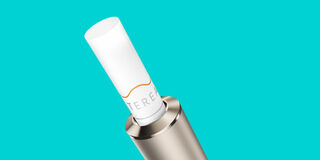
Make sure you only use TEREA sticks with your IQOS ILUMA PRIME. They are single use so ensure you do not reinsert a used one.
Keeping battery power
Charging your IQOS ILUMA PRIME Pocket Charger is the best way to ensure you can experience your IQOS without disruptions.
Do not use IQOS ILUMA™ and TEREA™ sticks with previous IQOS™ generations, as this may cause damage to your device. Do not ingest or disassemble TEREA™ sticks.
This product contains a sharp metal part which can cause serious injury if swallowed. Keep out of reach of children.
See important information


IQOS ILUMA PRIME User Guide
Our IQOS ILUMA PRIME User Guide will let you deep dive into how your device works and how to use it.
Having problems?
Troubleshoot your IQOS ILUMA PRIME
Want to chat?
We’re here for you in-store or at your fingertips. You choose.


