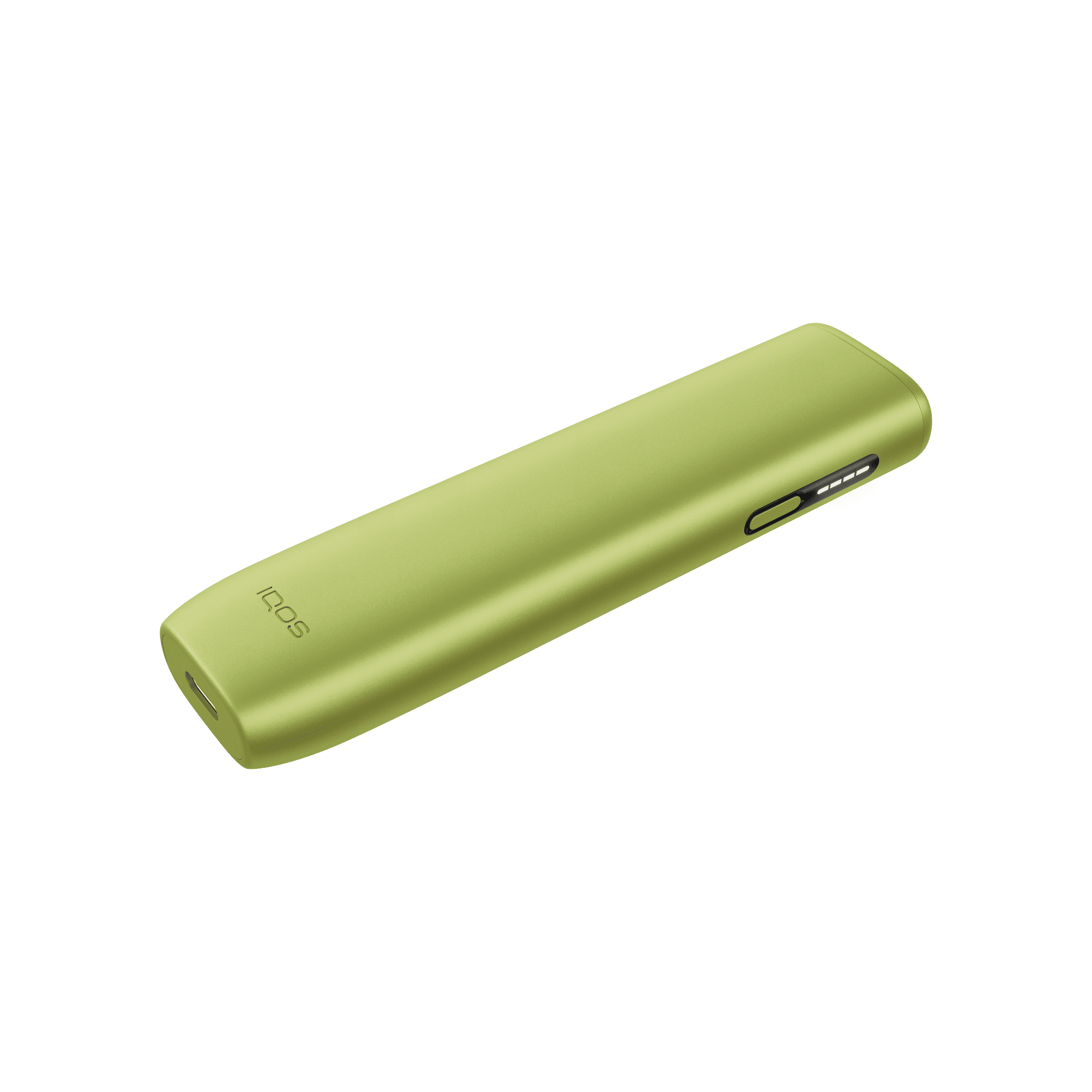
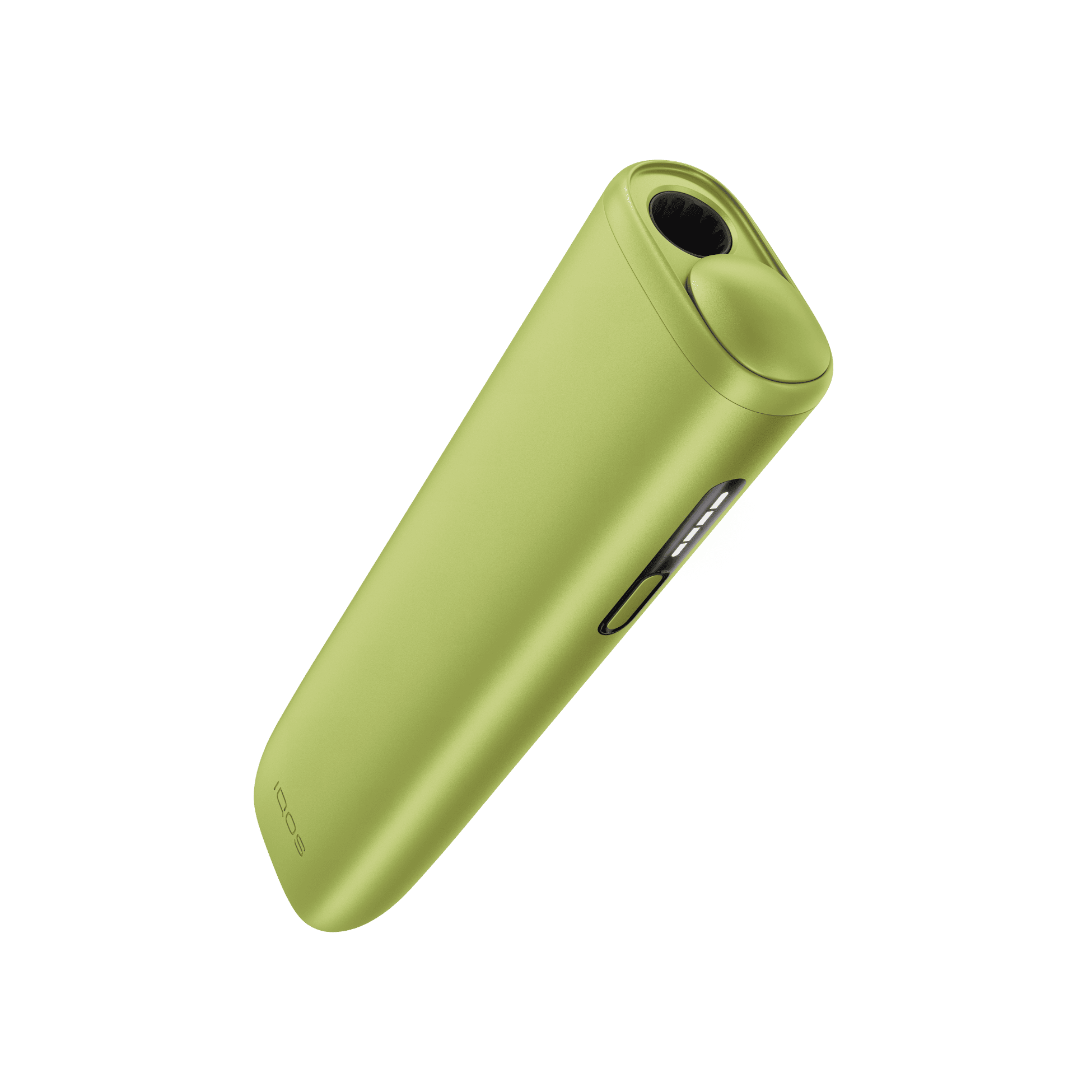
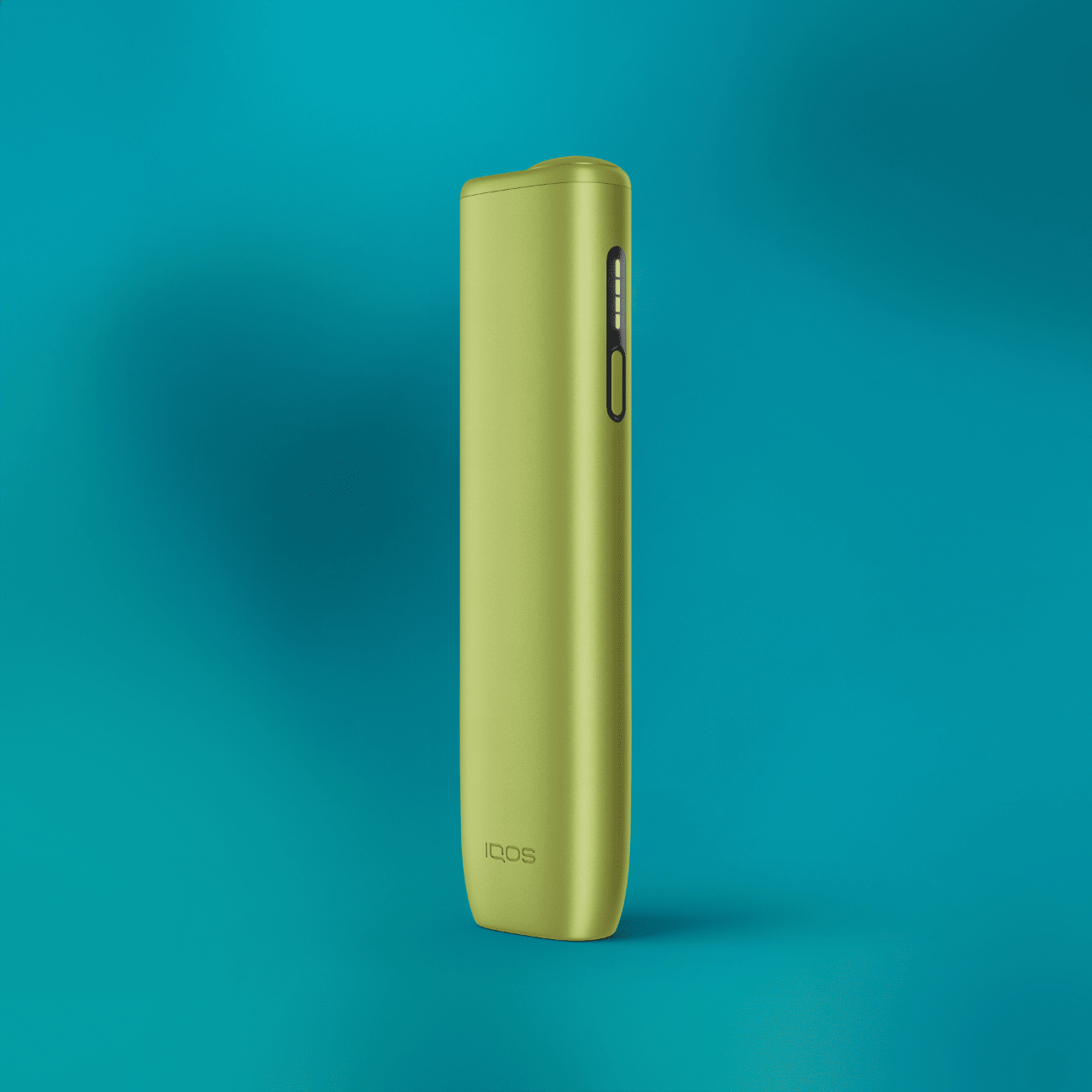
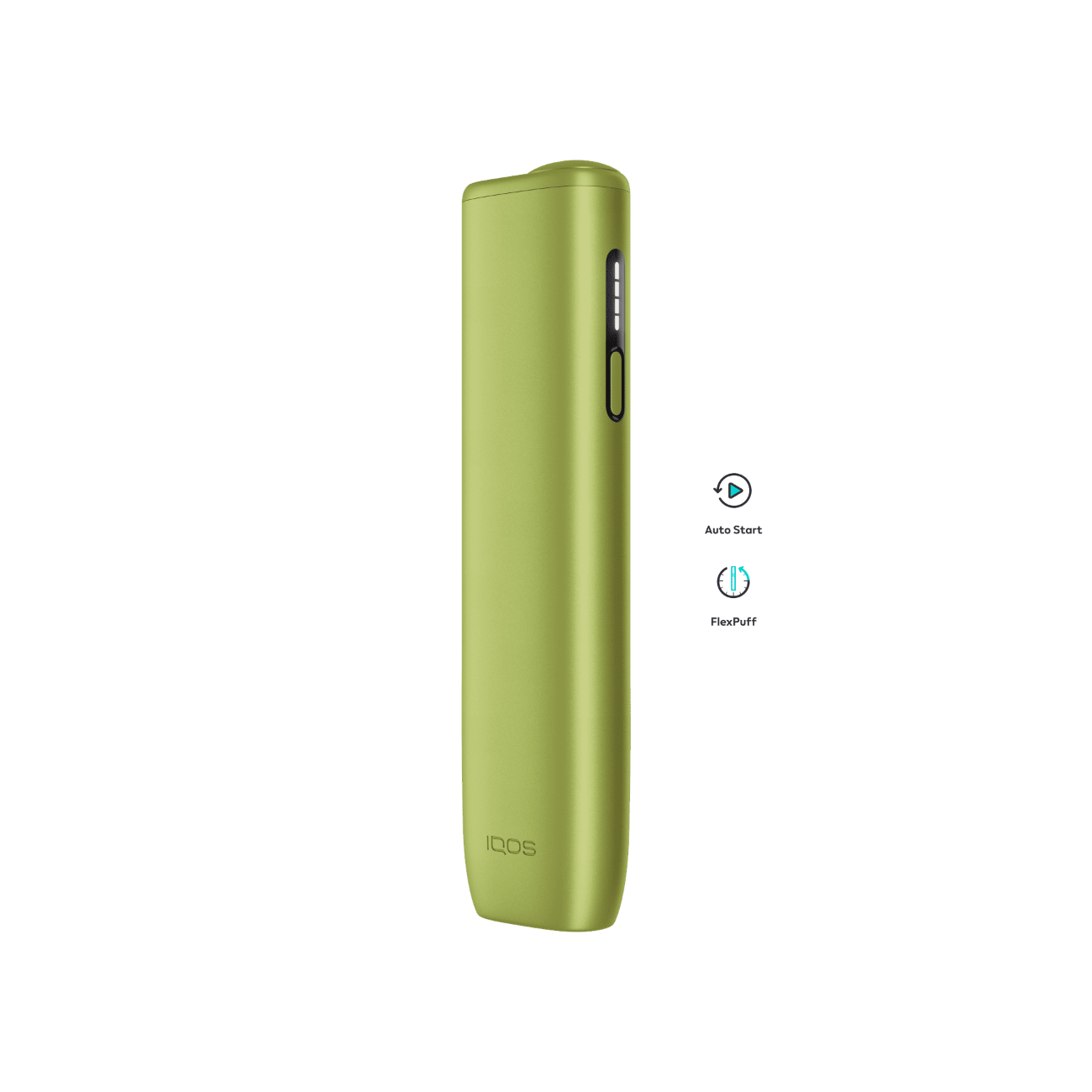
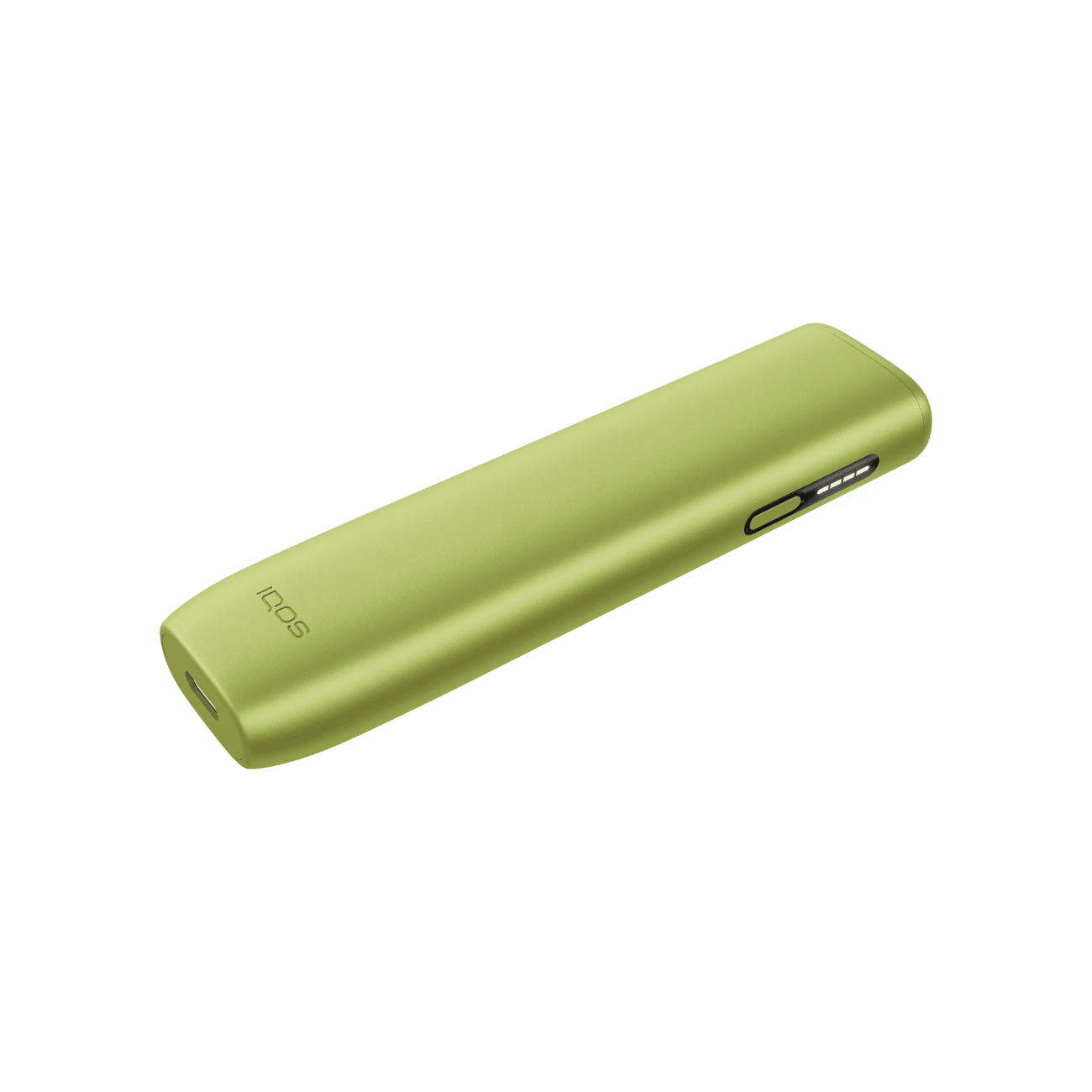
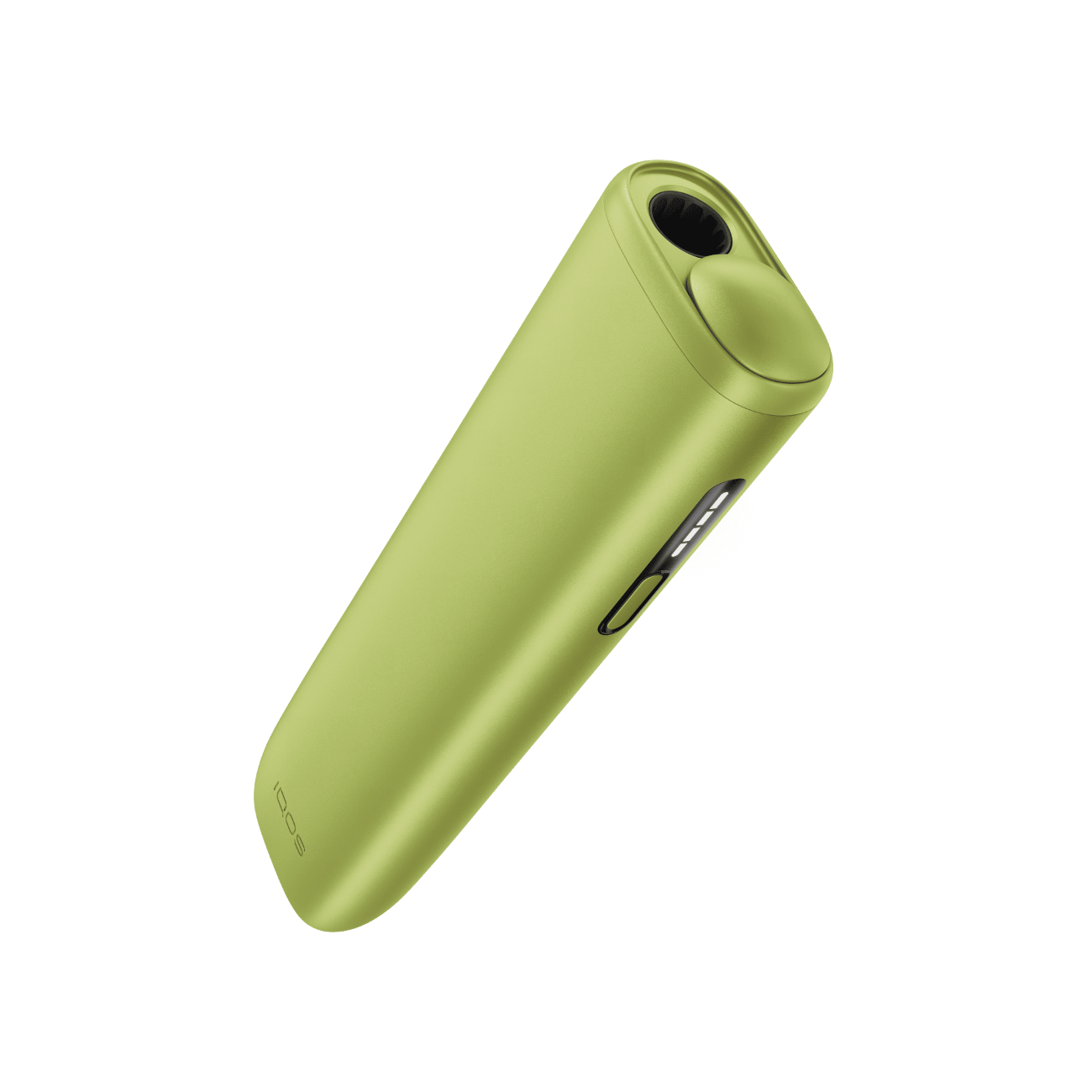

IQOS ILUMA i ONE
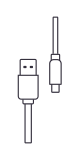
Charging cable


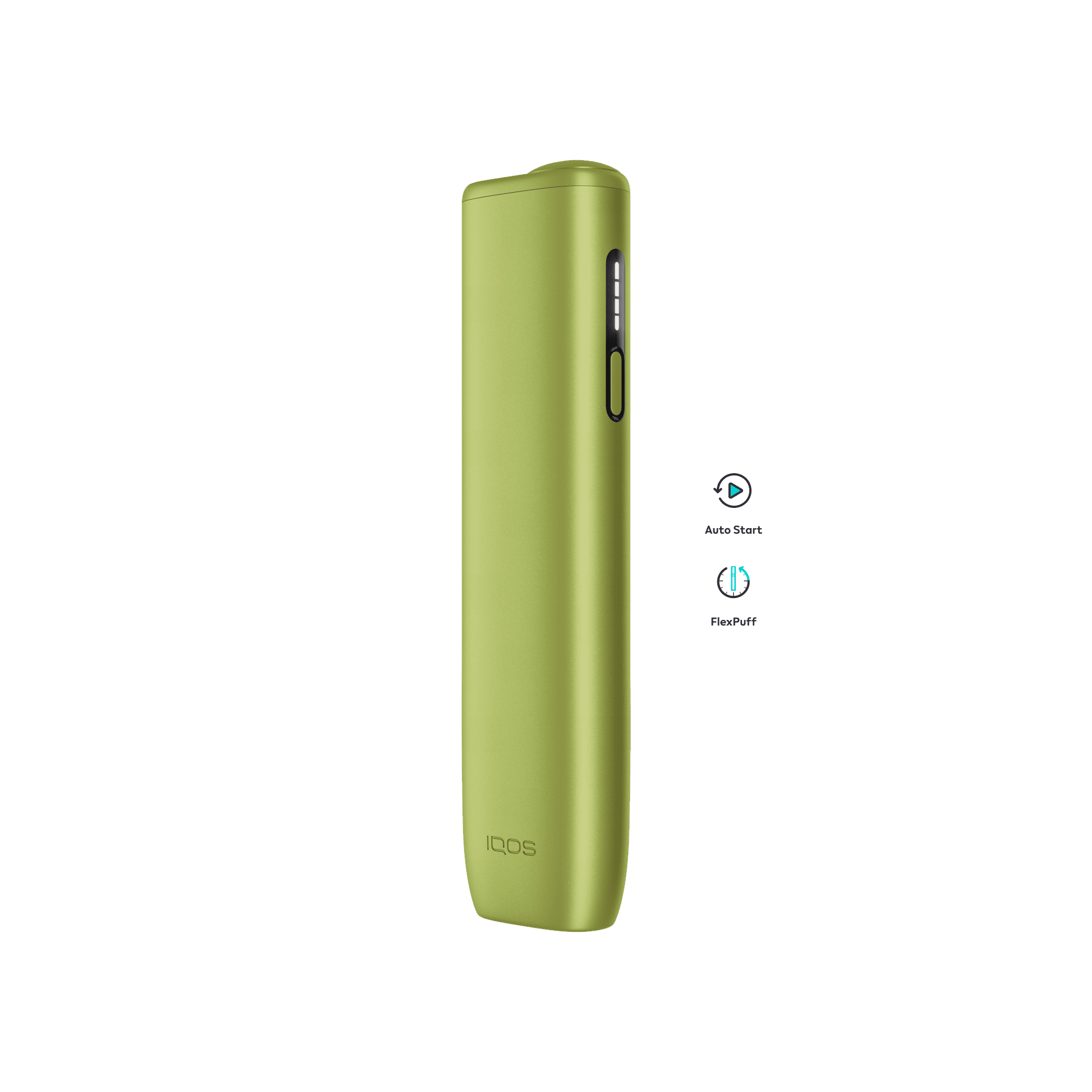
Adapts to your pace and may provide 4 extra puffs¹.

Heating starts automatically when you insert the SMARTCORE TM stick.
¹FlexPuff activation and number of puffs depend on individual usage patterns, thus extra puffs might not apply to all adult consumers and/or experiences. FlexPuff does not activate when pause is used.
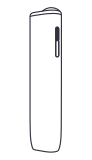
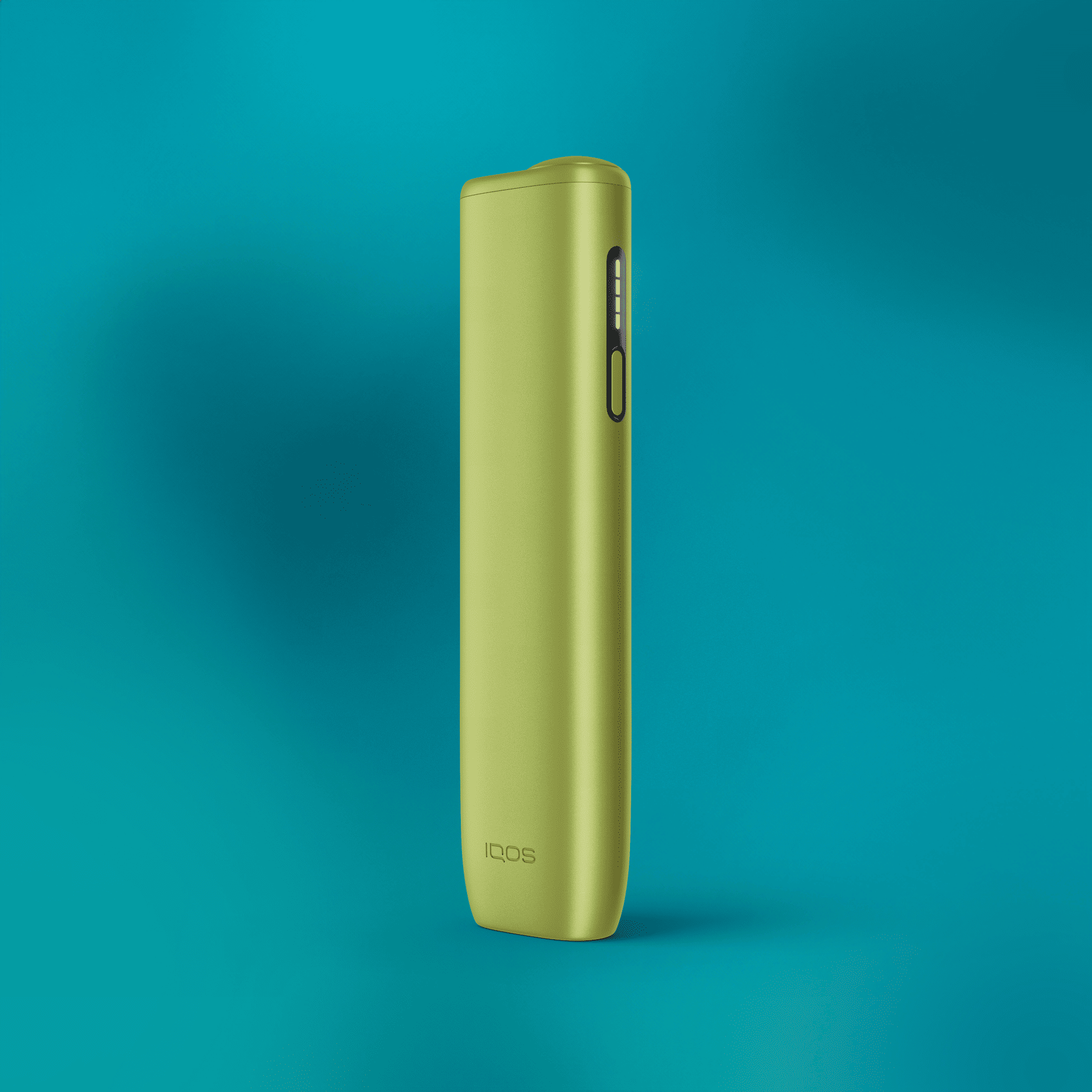
Get to know your IQOS ILUMA i ONE
IQOS ILUMA i ONE™ is our latest innovation in heating devices that offers a range of advanced features for a clean, seamless and more flexible experience than before.
IQOS ILUMA i ONE™ is all-in-one pocket-sized solution to use on the go and it offers:
IQOS ILUMA i ONE™ are designed to be used only with SMARTCORE STICK™.
Available in 3 colours: Breeze Blue, Leaf Green, Midnight Black.
IQOS ILUMA i ONE™ is not risk free and provides nicotine which is addictive.
For more details, please refer to Important Information section at iqos.com.
The serial number of the device represents a fourteen-character code. The serial number is placed on the back of the device.
IQOS ILUMA i ONE™ is equipped with AutoStart/AutoStop feature.
The experience will stop automatically if the SMARTCORE STICK™ is moved or removed from the device.
Before first use, fully charge your device with a compatible AC Power Adaptor (5V, 2A, Type C output) and USB-C charging cable from an electrical outlet.
A full charge takes approx. 90 min (1h 30 min)
IQOS ILUMA i ONE™ does not require a full charge to work, however we recommend to fully charge it before the first use.
To check the charge level, short press the Button. Status Lights will turn ON to indicate battery level:
o 4 LEDs = more than 75% charged
o 1 LED = less than 25%.
o 1 LED orange triple blink = battery depleted. Need to charge.
To reset IQOS ILUMA i ONE™, press the Button for 7 seconds, then release.
All Status Lights will turn OFF, blink twice, and turn on.
Lights Blink Yellow - Battery depleted, need to charge.
Lights Blink White Twice – device is outside operating temperature range (0°C~40°C).
Lights Blinks Red – reset the device. If red light blinking persists -> please, contact us or visit the nearest IQOS™ Store for assistance.
Compare the IQOS ILUMA range to see which device is right for you.

New
Most refined and advanced |
Most refined and advanced
RRSP 1999
 | Touchscreen |
| Pause mode |
| *FlexBattery |
| **FlexPuff |
| Autostart |
| Up to 3 consecutive uses*** |
| Touchscreen |
| Pause mode |
| *FlexBattery |
| **FlexPuff |
| Autostart |
| | Up to 3 consecutive uses*** |

New
Familiar design. Enhanced experience |
Familiar design. Enhanced experience
RRSP 999
| Touchscreen |
| Pause mode |
| *FlexBattery |
| **FlexPuff |
| Autostart |
| Up to 3 consecutive uses*** |
| Touchscreen |
| Pause mode |
| *FlexBattery |
| **FlexPuff |
| Autostart |
| | Up to 3 consecutive uses*** |

New
Pocket-sized. All-in-one design |
Pocket-sized. All-in-one design
RRSP 599
 | Touchscreen |
| Pause mode |
| *FlexBattery |
| **FlexPuff |
| Autostart |
| 20 consecutive uses |
| Touchscreen |
| Pause mode |
| *FlexBattery |
| **FlexPuff |
| Autostart |
| 20 consecutive uses |
*You can activate/deactivate the various features of your IQOS ILUMA i device at your nearest IQOS Kiosk or IQOS Partner stores
**FlexPuff is designed to work with tobacco sticks. Activation and number of puffs depend on individual usage patterns, thus extra puffs might not apply to all adult consumers and/or experiences. FlexPuff does not activate when pause is used.
***only available in Performance Mode when pause is not activated.