


Troubleshooting your IQOS 3 DUO
Try our online diagnostic tool which can help you find a solution for device issues in a few easy steps


Is your IQOS charging too slowly?
1. Make sure you’re using the official IQOS cable and AC power adaptor, as charging your IQOS from a computer USB port or using a third-party cable can be less effective.
2. If your IQOS 3 DUO Pocket Charger is already fully charged when you connect it to a power supply, the status light may flash. This is normal. If your IQOS 3 DUO Pocket Charger is completely out of battery,you might need to plug it in with the AC adaptor for up to 20 minutes before any status lights appear.
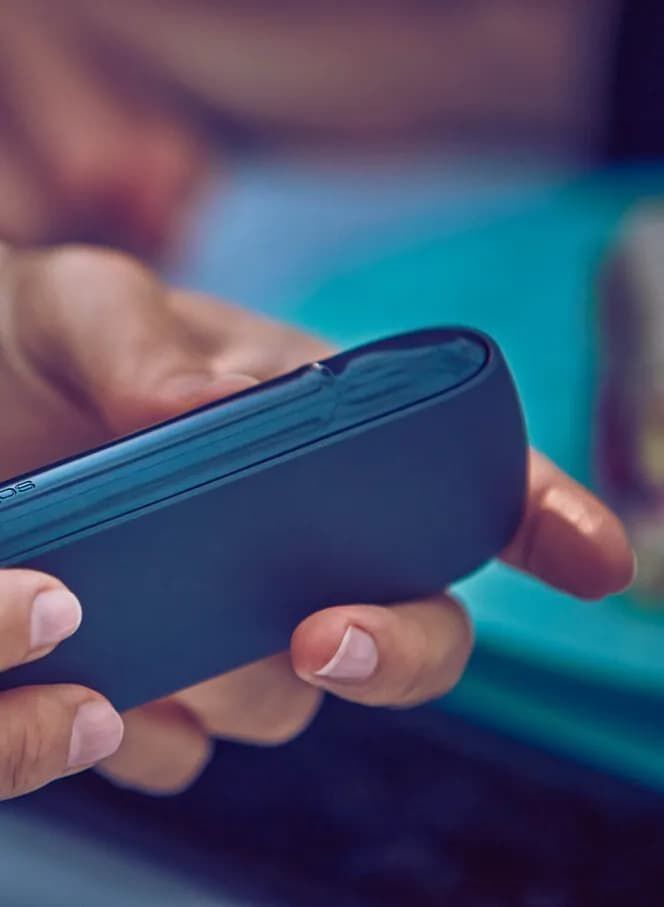
Are the status lights flashing?
1. Lights are blinking white twice: Your IQOS 3 DUO might have a temperature issue. You may need to let it cool down or warm up in your hands. If that’s not the case, try inserting your IQOS 3 DUO Holder into your Pocket Charger for auto-cleaning.
2. Lights are flashing red: Try resetting your device. If the flashing lights don’t stop, then get in touch with us so we can help.

Resetting your IQOS
If your IQOS 3 DUO is charged but not working, you might need to reset it. Press the charger button until the lights fade, then release the button. All status lights will turn off, flash twice, then slowly reappear, to tell you the reset was successful.
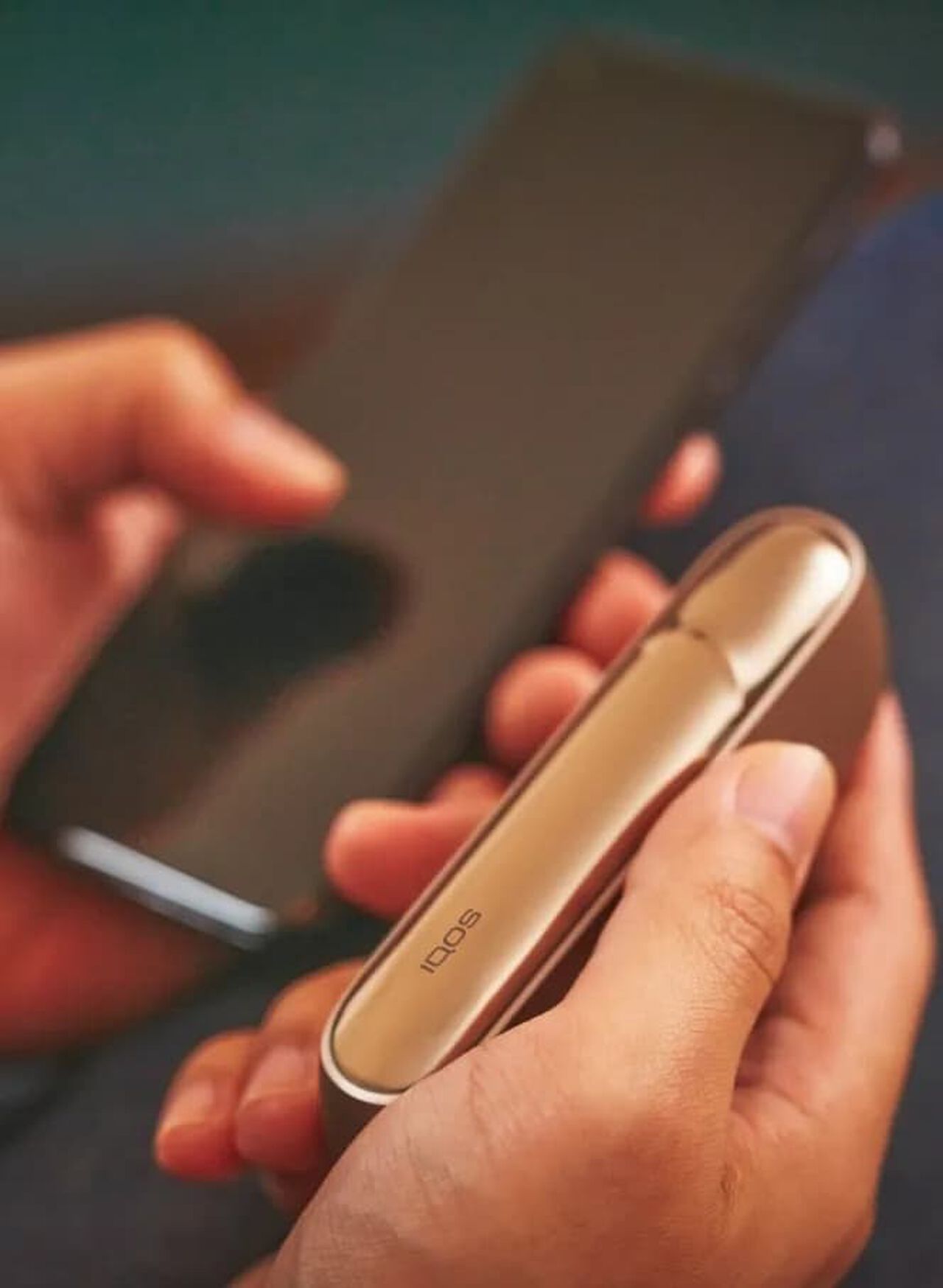
Is air not flowing through device as it should?
Your IQOS 3 DUO Holder might need a clean.
1. Wait for your device to cool down, before sliding the cap upwards to remove it.
2. Insert the IQOS cleaning tool and rotate gently. If you do this regularly, you’ll reduce any tobacco build-up.
3. As some parts of your device, including the heating chamber, can't be accessed with the cleaning tool, use your cleaning sticks instead. Use them gently to avoid breaking or damaging the blade.
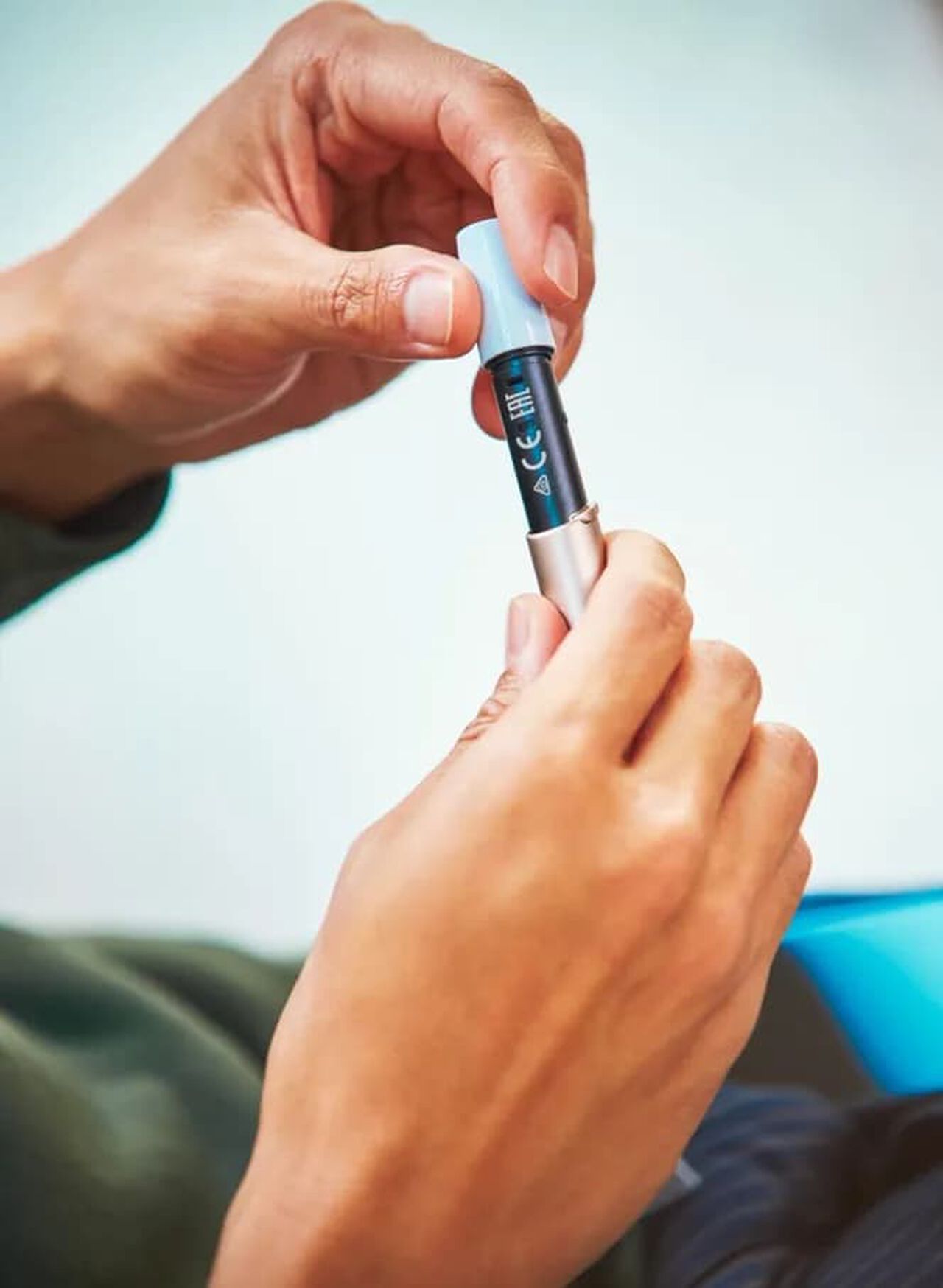
A broken blade or other damage?
The blade can break if you use too much force when cleaning the holder, so make sure you clean with gentle fingers and when inserting a HEETS tobacco stick, avoid twisting it.
If your device is damaged, let us know. We will check if you are eligible for replacement and if you are. we will arrange it for you.

That’s not all. There’s more useful information in our IQOS 3 DUO User Guide.
Our IQOS 3 DUO User Guide will let you delve deeper into how your device works and how to use it.