

IQOS ILUMA i One Midnight Black Kit with 2 TEREA packs
With aluminum design, IQOS ILUMA i ONE comes with innovate features like Autostart and Flexpuff*. A compact, affordable device that offers 20 consecutive uses on each charge.
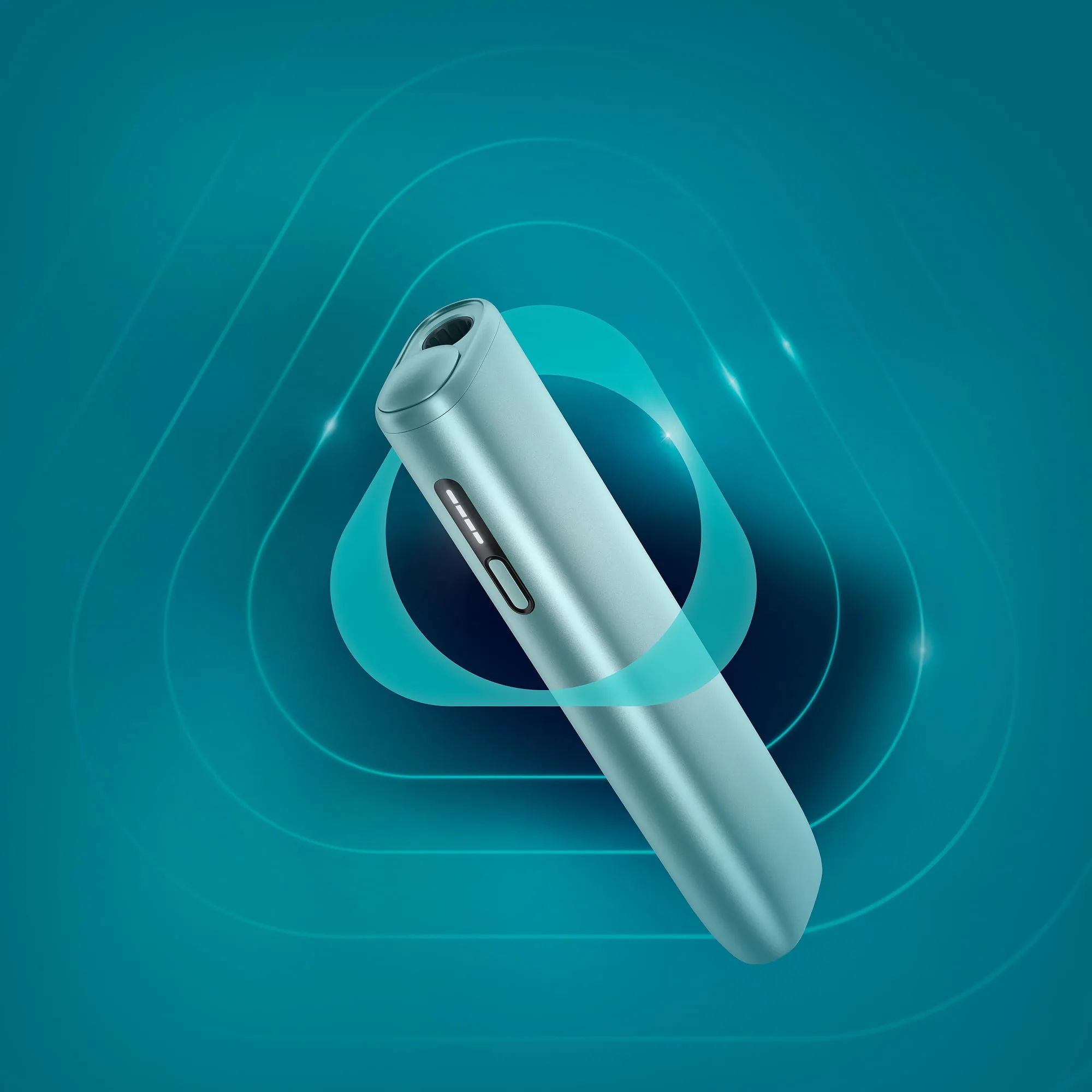
*FlexPuff activation and number of puffs depend on individual usage patterns, thus extra puffs might not apply to all adult consumers and/or experiences. FlexPuff does not activate when pause is used.
IQOS ILUMA iTM is designed to be used only with TEREATM sticks.
Do not ingest or disassemble them. They contain a sharp metal part which can cause serious injury if swallowed. Keep out of reach of children. See important information.
All-in-one IQOS ILUMA i ONE device
Charging cable
The warranty is valid for one year from the purchase date. The purchase receipt is the warranty certificate. Learn here how you can enjoy +1 year extended warranty.
Dimensions
Height: 122.4mm
Width: 30.6mm
Diameter: 16.4mm
Weight: 73.9g
How to get started with IQOS ILUMA i ONE?
- Turn on the device - press and hold the Button for 4 seconds, then release; Status Lights will turn ON slowly.
- Slide the cap to open.
- Insert SMARTCORE STICKTM to the line on filter until the device vibrates and lights pulse.
- Preheating starts automatically (AutoStart), or, by pressing the Button for 1 second (app. 20 sec)
- 2nd vibration and Status Light stays fixed - you can start using.
- During the use, Status Light will indicate remaining time.
- To signal the last 30 sec or last 2 puffs, the device will vibrate once with one light pulsing white.
- Remove SMARTCORE STICK.
- Slide the cap back to close.
IQOS ILUMA i ONE is equipped with AutoStart feature. The experience will stop automatically if the SMARTCORE stick is moved or removed from the device.
How to charge IQOS ILUMA i ONE?
Before first use, fully charge your device with a compatible AC Power Adaptor (5V, 2A, Type C output) and USB-C charging cable from an electrical outlet.
A full charge takes approx. 90 min (1h 30 min).
IQOS ILUMA i ONETM does not require a full charge to work, however we recommend to fully charge it before the first use.
How to check the battery level of IQOS ILUMA i ONE?
To check the charge level, short press the Button. Status Lights will turn ON to indicate battery level:
4 LEDs = more than 75% charged
1 LED = less than 25%.
1 LED orange triple blink = battery depleted. Need to charge.
What tobacco sticks does IQOS ILUMA i series support?
IQOS ILUMA iTM series devices are designed to be used with TEREATM tobacco sticks. Discover the wide variety and find your perfect taste match.
Do not ingest or disassemble them. They contain a sharp metal part which can cause serious injury if swallowed. Keep out of reach of children. See Important information.

Hard to choose?
Compare the IQOS ILUMA i series to see which device is right for you.

NEW
IQOS ILUMA i
With advanced features, such as:
 Touch Screen
- Pause mode
- FlexBattery
- FlexPuff
- Autostart
- Up to 3 consecutive uses*

NEW
IQOS ILUMA i ONE
Pocket sized. All-in-one design.
 Touch Screen
- Pause mode
- FlexBattery
- FlexPuff
- Autostart
- 20 consecutive uses
* Only available when pause is not activated.