

Your first steps with IQOS ILUMA i ONE


How to use your new IQOS ILUMA i ONE
Here’s how to use your IQOS ILUMA i ONE for the first time.
- Press and hold the ON/OFF button of your device for 4 seconds and then release; Your device Status Lights will turn ON slowly.
- Before first use, fully charge your device for approx. 90 min following the enclosed Safety Warning & Instructions.
- Slide to open the cap. Insert a SMARTCORE TM stick (ΤEREA) up to the filter line, until the device vibrates and Light(s) pulse(s).
- Preheating happens automatically after 1st vibration or by pressing the button for 1 second. The device is ready to use after the 2nd vibration.
- During use, the Status lights will indicate the remaining time of your experiences. When the device vibrates and the light flash, you have 2 last puffs or 30sec left.
- Once your experiences finished, remove the used SMARTCORE stick and dispose as per Safety Warnings & Instructions.
- Slide to close the cap.
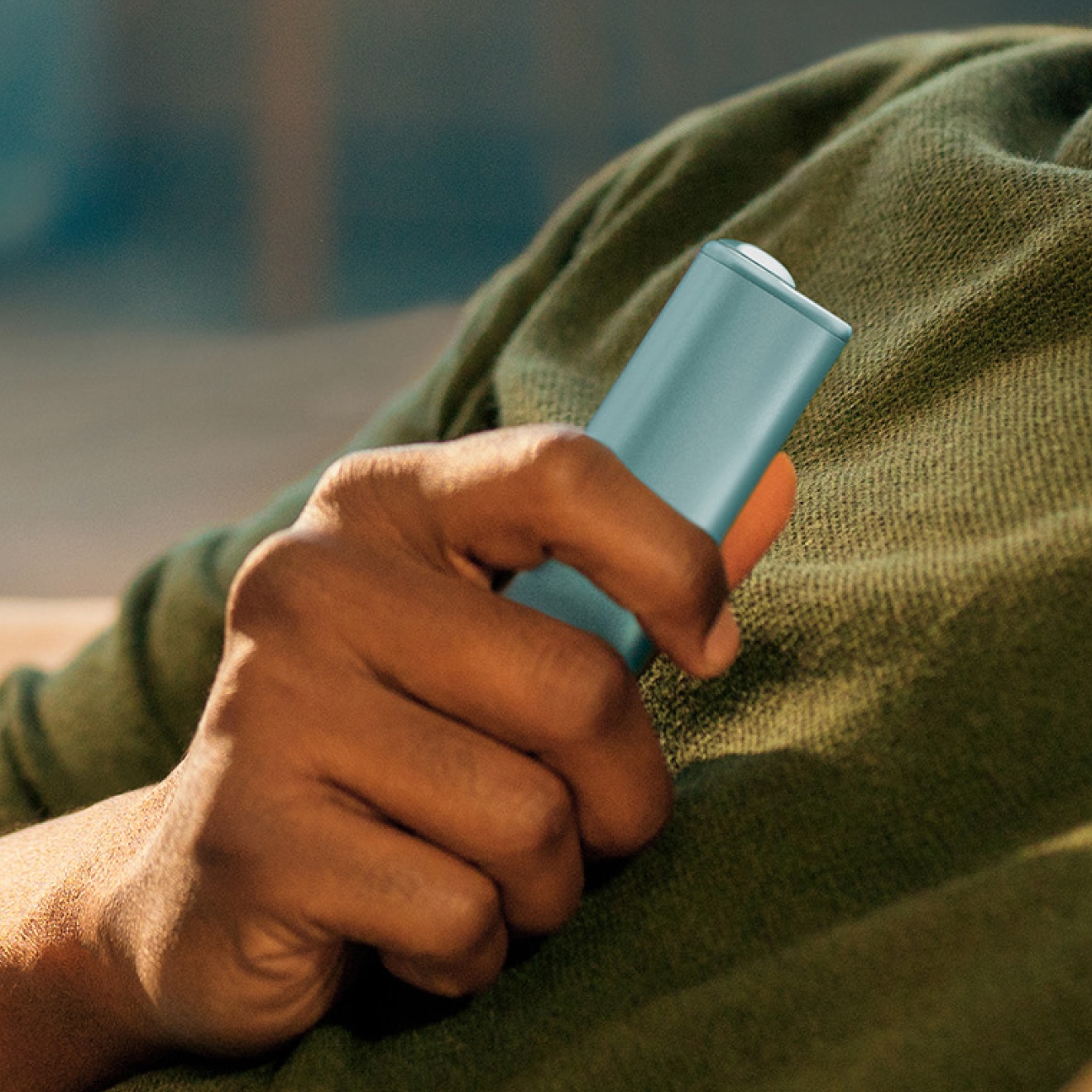
How to charge your IQOS ILUMA i ONE
Follow these easy steps to ensure the optimal charging for your device:
- Plug the AC Power Adaptor and cable to your device and then to a wall power outlet for 90 min for full charge.
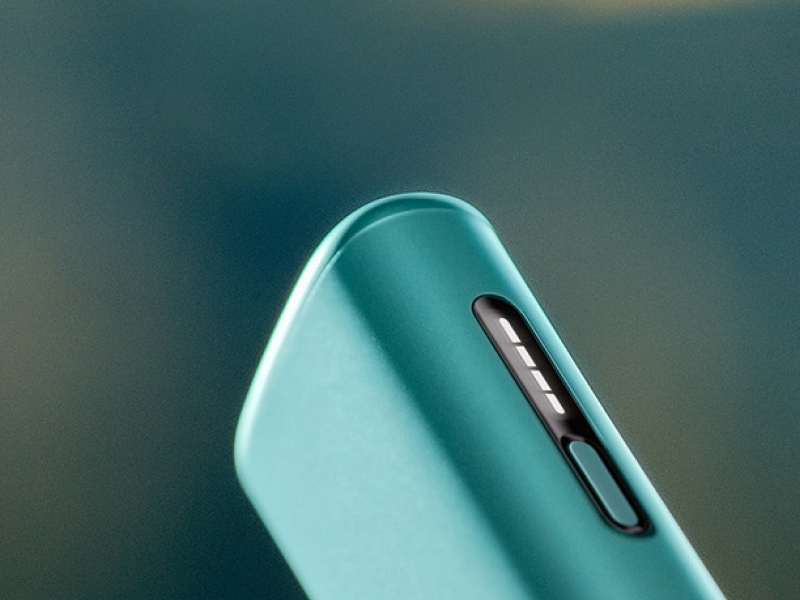
- During charging, the strip lights on the device will pulse.
- If your device is fully discharged, the first light may take a few seconds to start blinking yellow. Once the device goes over 7% of charge, the color of the blinking light will change from yellow to white.
- While charging, the status light blinks, indicating the level of the charge:
- All 4 strip lights turn solid white: 100% charge level
- 3 strip lights turn solid white: 75% charge level
- 2 strip light turn solid white: 50% charge level
- 1 strip light turn solid white: 25% charge level
IQOS ILUMA i ONE advanced feature
FlexPuff
- FlexPuff is a smart feature that may extend your experience duration based on your usage pattern still within up to 6 minutes.
- Your device will automatically analyze the consumed volume of aerosol and might activate FlexPuff.
- If Flexpuff will be activated, then you will be granted with 4 extra puffs, that can be used within the remainder of the 6min.
- FlexPuff αctivation and number of puffs depend on individual usage patterns, thus extended experience might not apply to all adult consumers and/or experiences.
- When the device vibrates and the light flashes, you have 2 last puffs or 30sec left.
IQOS ILUMA i ONE usage tips
Inserting sticks
Make sure you only use TEREA sticks with your IQOS ILUMA i ONE. They are single use so ensure you do not reinsert a used one.
Keeping device charged
Charge your IQOS ILUMA i ONE pocket charger with compatible AC Power Adaptor and cable on a daily basis.
IQOS ILUMA i ONETM is used exclusively with TEREATM tobacco sticks.
Do not ingest or disassemble TEREATM sticks. This product contains a sharp metal part which can cause serious injury if swallowed. Keep out of reach of children.


Phone
Call an IQOS representative
Give us a call
