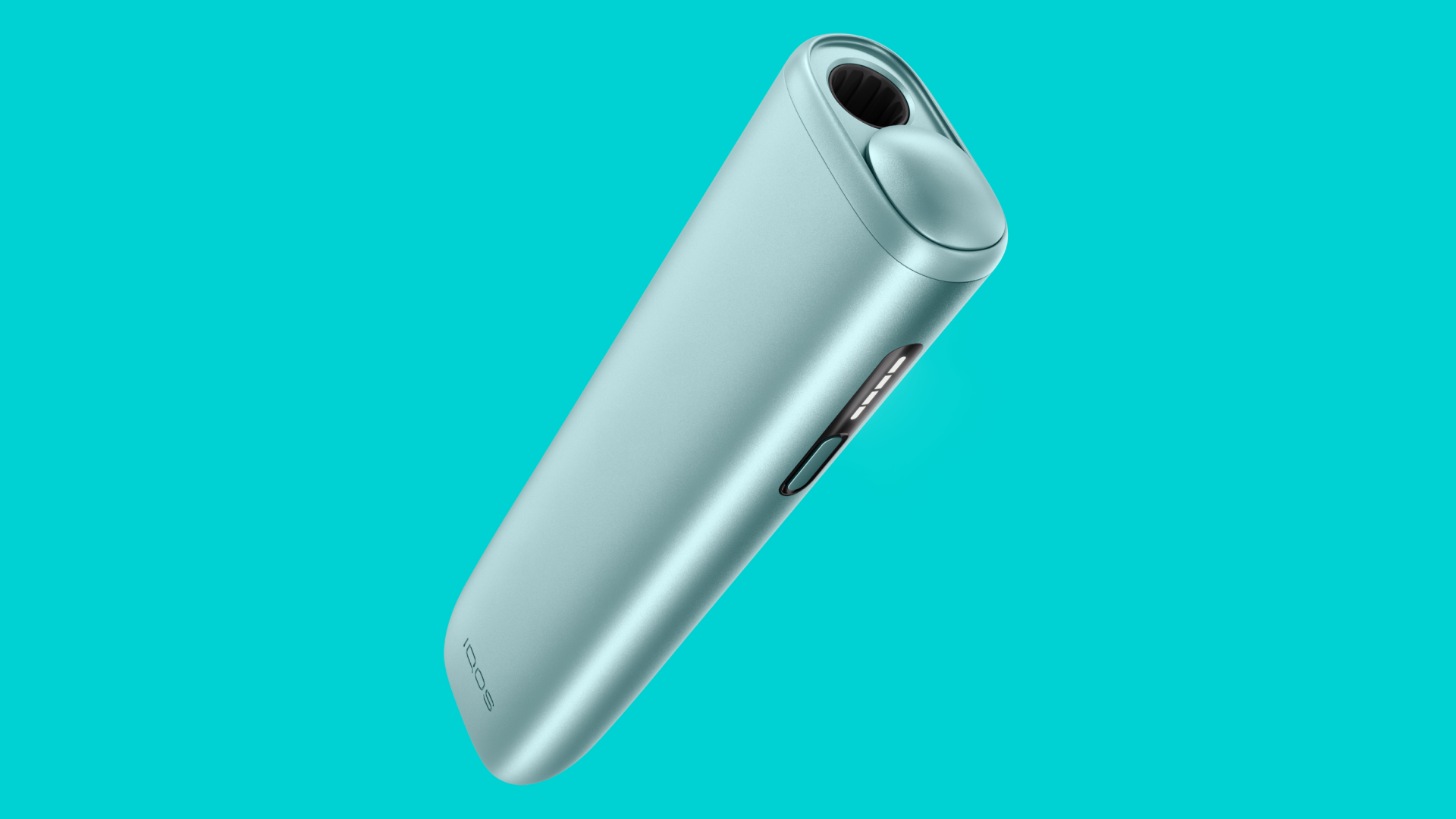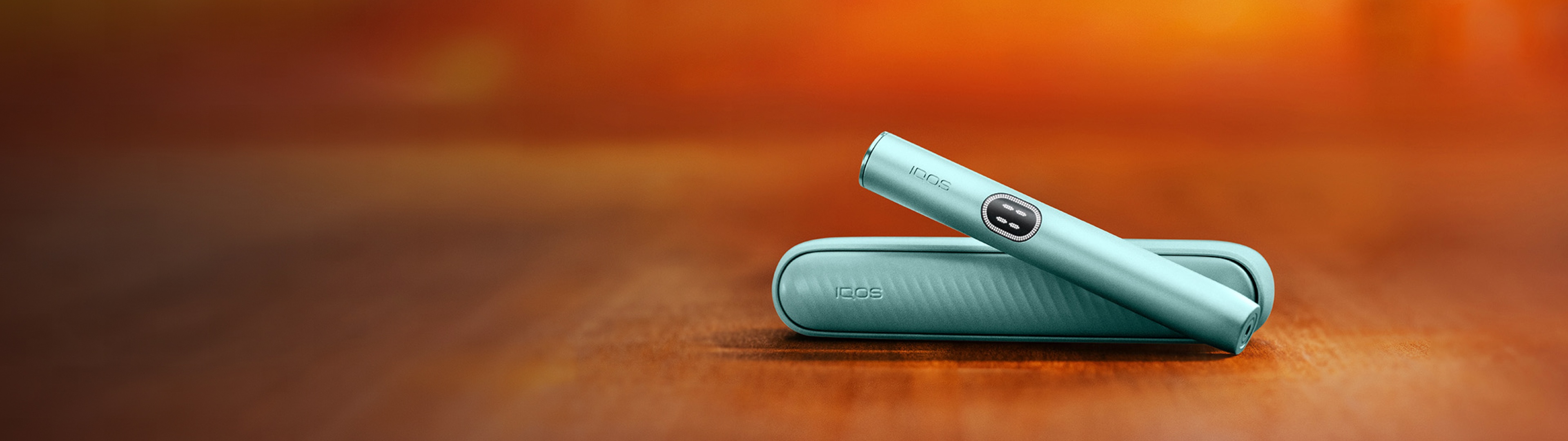
ILUMA Stick Remover
How to use the broken TEREA tobacco stick remover.
Turn off your device before using the tool
Before using the ILUMA Stick Remover tool, ensure that IQOS ILUMA i device is turned off, and has cooled down after its last use. Prepare your IQOS ILUMA i device before using the ILUMA Stick Remover:
For IQOS ILUMA i PRIME and IQOS ILUMA devices:
- Place the holder inside the pocket charger.
- Press the on/off button for 4 seconds.
- Remove the holder from the pocket charger and quickly press the holder’s button to check that the device is switched off.
- If no lights appear, the holder is off. This means you may proceed with SMARTCORE STICK extraction.
- If the lights are still on, the device is not switched off. In this instance, please follow the initial steps again.
For IQOS ILUMA i ONE devices:
- Quickly press the device’s on/off button.
- If no lights appear, the device is turned off. This means you may proceed with SMARTCORE STICK (TEREA/DELIA/LEVIA) extraction.
- If the lights are still on, the device is not switched off. In this instance, please repeat step number one.
After following the steps above (specific to your device type), you can proceed to the next step - removing the broken SMARTCORE STICK.
Important note: The holder ring should not be removed when the ILUMA Stick Removal tool is being used. This is to prevent potential scratching of the heating chamber of the holder.
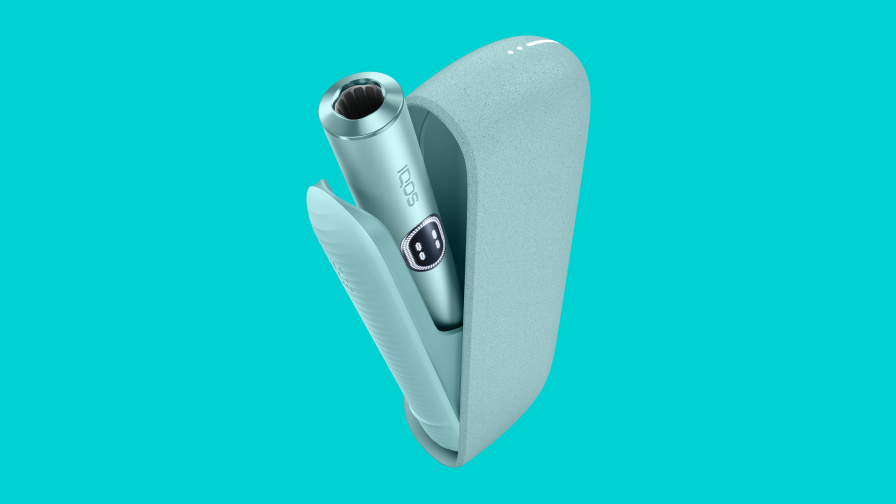
Remove the broken TEREA stick
- Take off the cap of the ILUMA Stick Remover. Then, carefully insert the hook of the ILUMA Stick Remover into the holder, until the plastic top part of the tool touches the holder.
- The ILUMA Stick Remover should be rotated approximately 90 degrees, then pulled out carefully to extract the piece of broken stick.
- Once the remaining part of the stick has been removed, ensure that there is no debris left in the bottom of the heating chamber.
IQOS ILUMATM is used exclusively with TEREATM tobacco sticks. Previous IQOS device versions with blade and HEETS tobacco sticks are not compatible with IQOS ILUMATM and TEREATM. Improper use may damage the device.
Do not ingest or disassemble TEREATM sticks. This product contains a sharp metal part that can cause serious injury if swallowed. Keep out of reach of children.
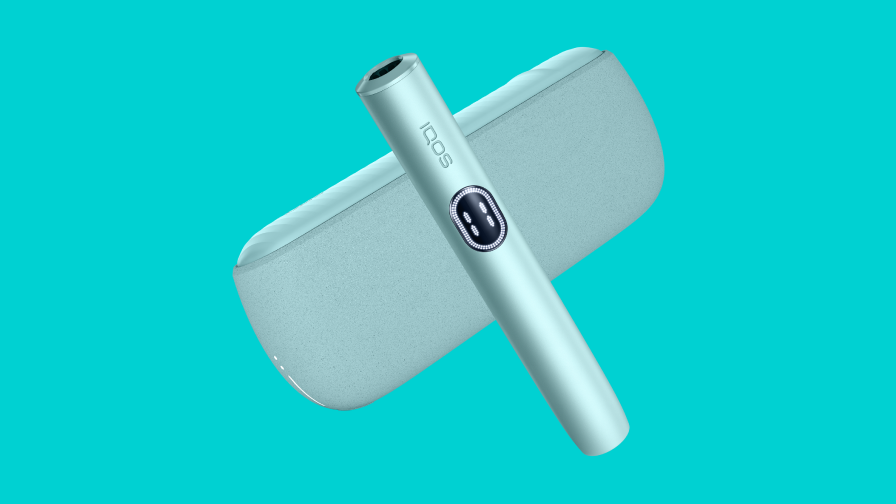
How to prevent the SMARTCORE STICK
from breaking inside my IQOS ILUMAι?
When using your IQOS ILUMA i, ensure that you are maintaining the device correctly. Here are some tips on how to keep your IQOS ILUMA i device in optimal condition:
- Ensure the SMARTCORE STICK (TEREA) is fully inserted into the holder until the curved line on the filter is pointing out, just on top of the holder.
- Avoid putting excessive pressure on the SMARTCORE STICK (TEREA) to prevent it from getting stuck in the device.
IQOS ILUMATM is used exclusively with TEREATM tobacco sticks. Previous IQOS device versions with blade and HEETS tobacco sticks are not compatible with IQOS ILUMATM and TEREATM. Improper use may damage the device.
Do not ingest or disassemble TEREATM sticks. This product contains a sharp metal part that can cause serious injury if swallowed. Keep out of reach of children.