
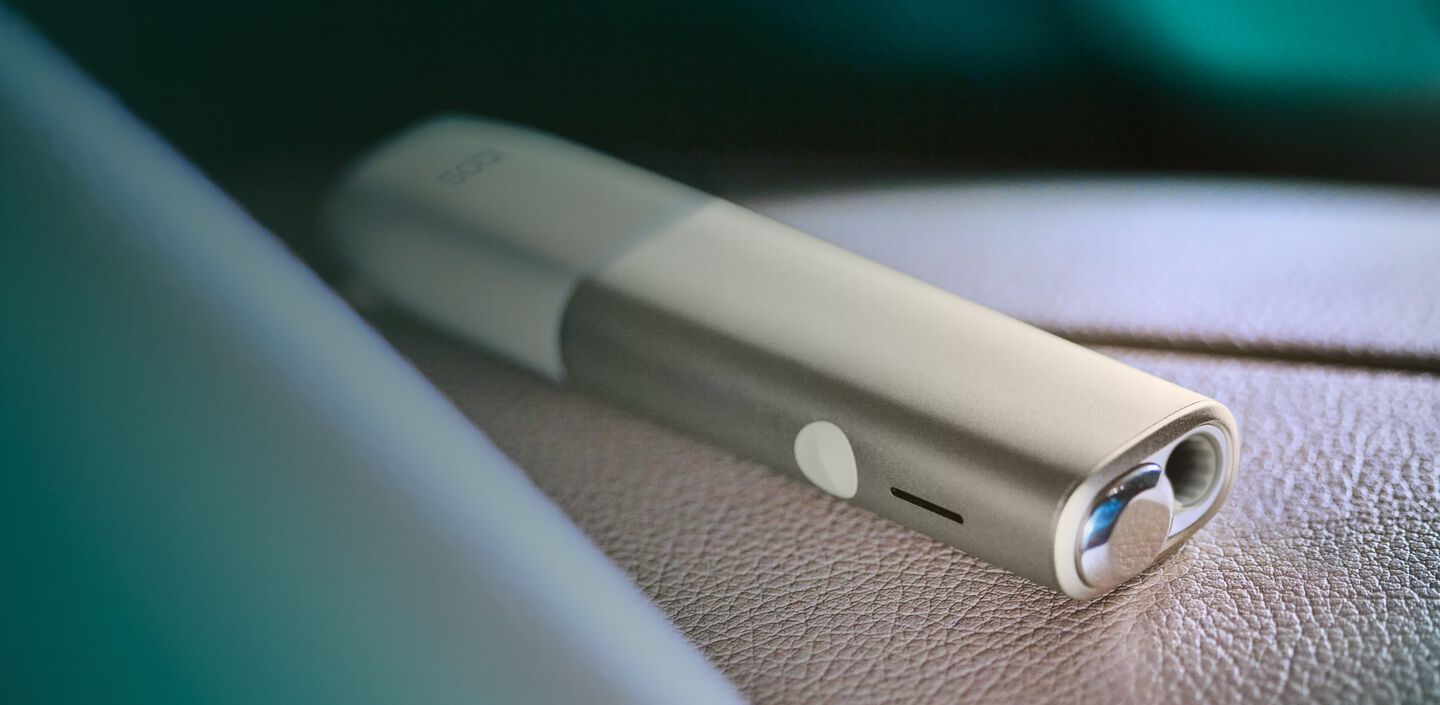
Your first steps with IQOS ILUMA ONE


Get started with your new IQOS ILUMA ONE with a few easy steps
- Tap the button on your IQOS ILUMA ONE to check your battery level. If the level is low then charge the device with the power adaptor that comes together with the device. If the battery is completely discharged, it can take up to 90 minutes.
- By pressing the button for four seconds you can turn the device ON/OFF.
- Slide the cap to open and gently insert a TEREA stick to the line on filter with filter facing outside as seen in the video. Press the button for at a second until IQOS ILUMA ONE vibrates and Status Light(s) pulse(s). Keep the TEREA stick in position during the preheating. You can start using once the device vibrates and status lights stay fixed.
- When you feel another vibration and only one pulsing white light, your IQOS time is nearly up (30 sec or 2 puffs remaining). Slide to close the cap.
Good to know
- During use, the experience will stop if the TEREA stick is removed from your IQOS ILUMA ONE.
- The IQOS ILUMA ONE will stop if the ambiant temperature is out of range (0℃⁓40℃). If so, all lights blink twice in white and then switch off. If the ambient temperature is low, try warming the device in your hand for at least a minute.
IQOS ILUMA usage tips
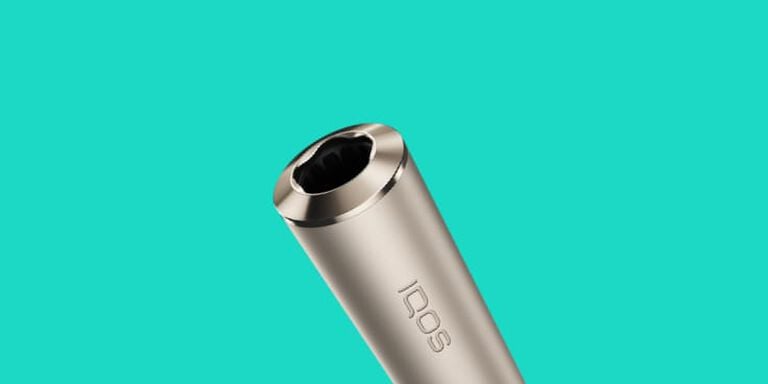
Inserting TEREA sticks
Make sure you only use TEREA sticks with your IQOS ILUMA. They are single use so ensure you do not reinsert a used one.
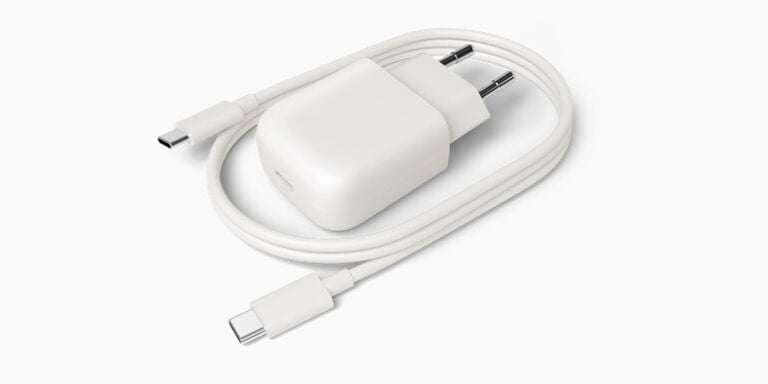
Keeping battery power
Charging your IQOS ILUMA Pocket Charger on a daily basis is the best way to ensure you can always use your IQOS. Always charge the Pocket Charger with the manufacturer-approved power adaptor.
Customising your device
You can simply enable/disable the smart gestures through the IQOS app and you can also tune certain parameters such as light intensity and vibrations.
IQOS ILUMA ONE usage tips
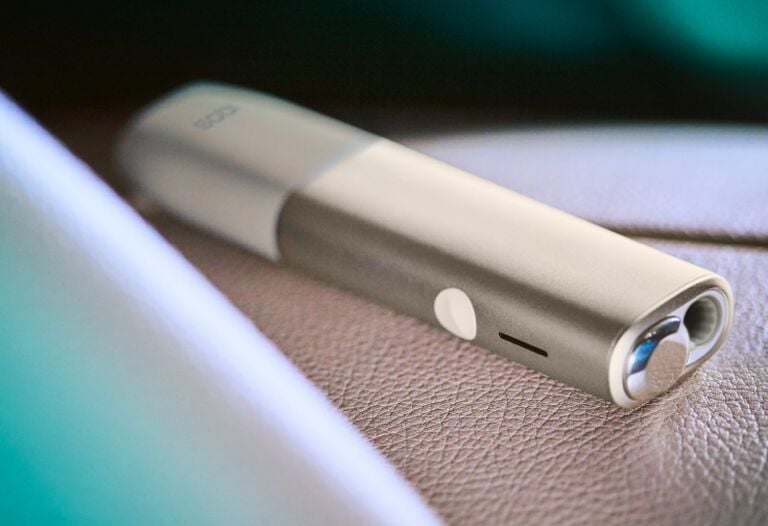
Inserting TEREA sticks
Make sure you only use TEREA sticks with your IQOS ILUMA ONE. They are single use so ensure you do not reinsert a used one.
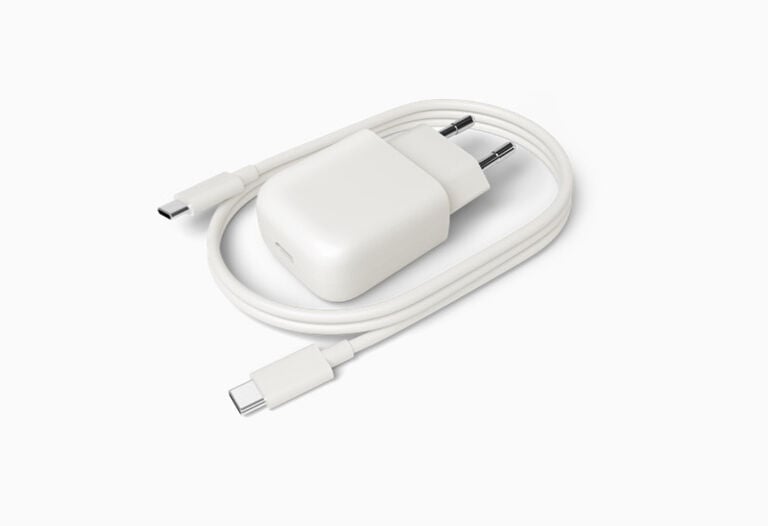
Keeping battery power
Charging your IQOS ILUMA ONE on a daily basis is the best way to ensure you're never without your IQOS. Always charge the IQOS ILUMA ONE with the manufacturer-approved power adaptor.
Do not use IQOS ILUMA™ and TEREA™ sticks with previous IQOS™ generations, as this may cause damage to your device.
Do not ingest or disassemble TEREA™ sticks. This product contains a sharp metal part which can cause serious injury if swallowed. Keep out of reach of children.
See important information
Having problems?
Troubleshoot your IQOS ILUMA ONE
Want to chat?
IQOS support is here for you at your fingertips.


Phone
Reach out to us on our Infoline for timely and specific answers to your questions.
We look forward to helping you!
+962 6 222 0555

