


Access the world of IQOS
Stay connected to the world of IQOS to access latest features and updates.

Customise your device
Access features for your device like FlexBattery, FlexPuff, Illumination mode and much more.

View your usage
Access your device usage, for a more informed IQOS experience.

How your device and the IQOS app work together
Our apps allow you to stay connected, whichever device you're using.
Advanced Features

FlexBattery
Customise your experience by choosing between Performance or Eco mode.

FlexPuff
(up to 4 more puffs*)
Customise your experience with FlexPuff.

Auto Start
Customise your device by choosing when you would like it to start.

Illumination mode
Set the preferred brightness level of your device.
Manage your device

Locate your device
Remotely track, lock and locate your device when within Bluetooth® connectivity range.

Diagnose and Resolve an issue
Fix device issues quickly & easily.
Get Started

Android App
Download the app to stay connected with IQOS via your Android device. It is strongly recommended to use a USB cable to ensure a seamless experience.


iOS Web App
This app sits in the browser bar of your web pages, perfect for iOS. Bluetooth connection requires Bluefy Bluetooth browser, downloadable from the App store.
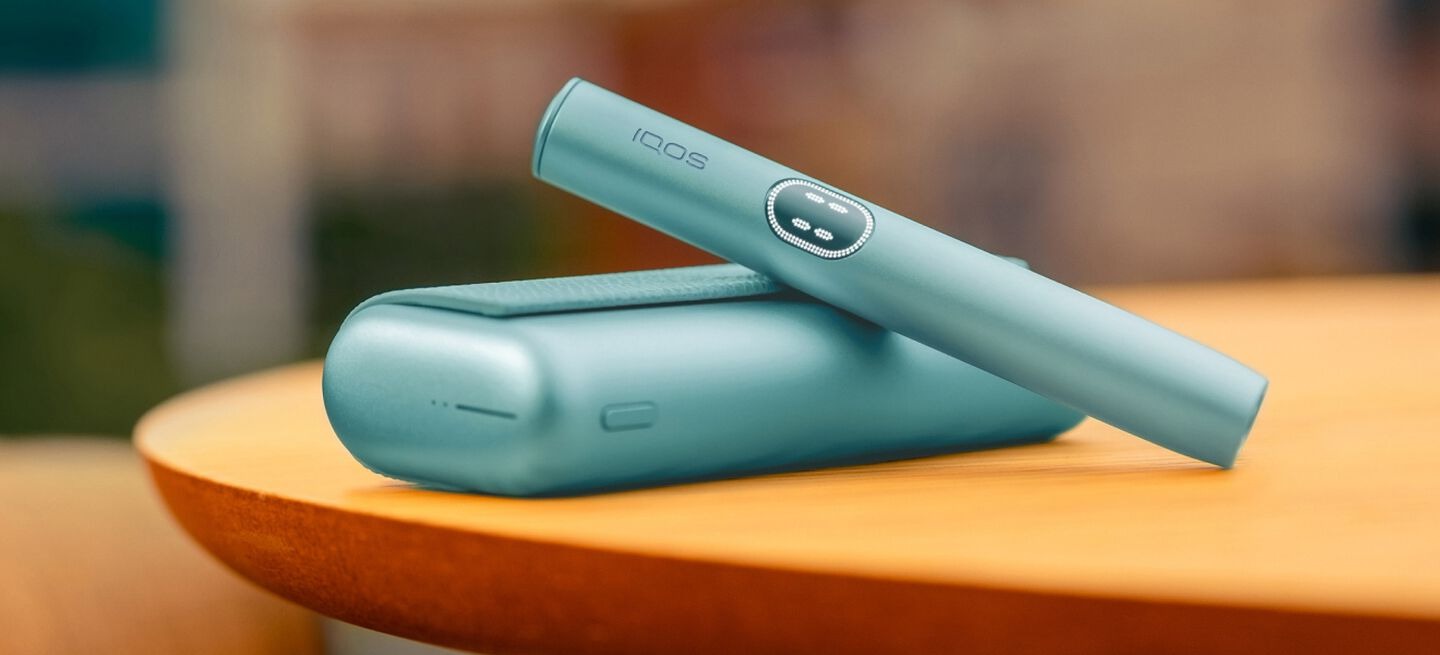
All the support you need in one app
Diagnose your IQOS, keep it up to date and get all the support you need in the IQOS app.

All the support you need in one app
Diagnose your IQOS, keep it up to date and get all the support you need in the IQOS app.
Diagnose & Resolve an issue
Diagnose your device and fix any issues automatically.
Firmware upgrade
Give your device its full potential by upgrading it to the latest firmware through the app to gain access to latest features.
Support
Get access to all the tips & tutorials, FAQ’s and all our support channels directly on the apps.