
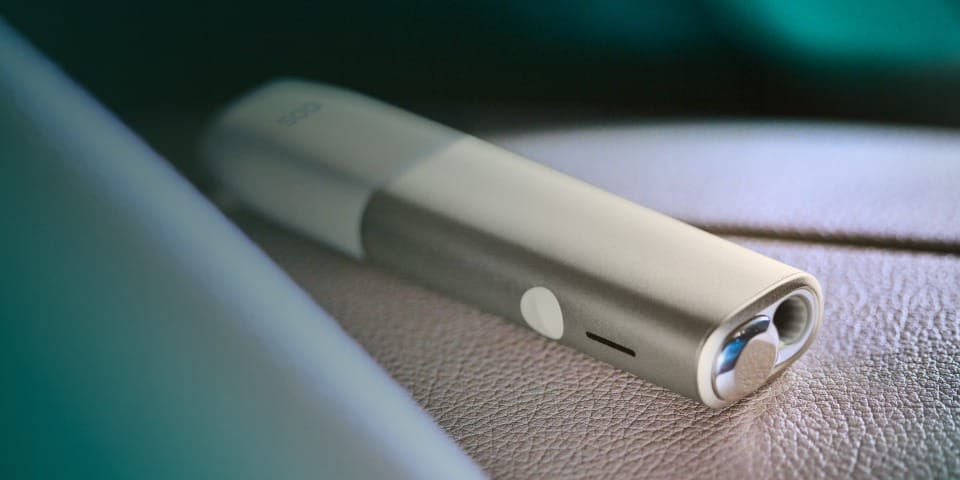
How to use IQOS ILUMA ONE?


How to use IQOS ILUMA ONE
- Tap the button on your IQOS ILUMA ONE to check your battery level. If the level is low then charge the device with the compatible power adaptor. If the battery is completely discharged, it can take up to 90 minutes.
- By pressing the button for four seconds you can turn the device ON/OFF.
- Slide the cap to open and gently insert a TEREA stick to the line on filter with filter facing outside as seen in the video. Press the button for at least 1 second until IQOS ILUMA ONE vibrates and Status Light(s) pulse(s). Keep the TEREA stick in position during the preheating. Start using once IQOS ILUMA ONE vibrates and Status lights stay fixed.
When you feel another vibration and only one Light pulsing white, your IQOS time is nearly up (30 sec or 2 puffs remaining). Slide to close the cap.
Good to know
- - During use, the experience will stop if the TEREA stick is removed from your IQOS ILUMA ONE.
- - The IQOS ILUMA ONE will stop if the ambiant temperature is out of range (0℃⁓40℃). If so, all lights blink twice in white and then switch off. If the ambient temperature is low, try warming the device in your hand for at least a minute."
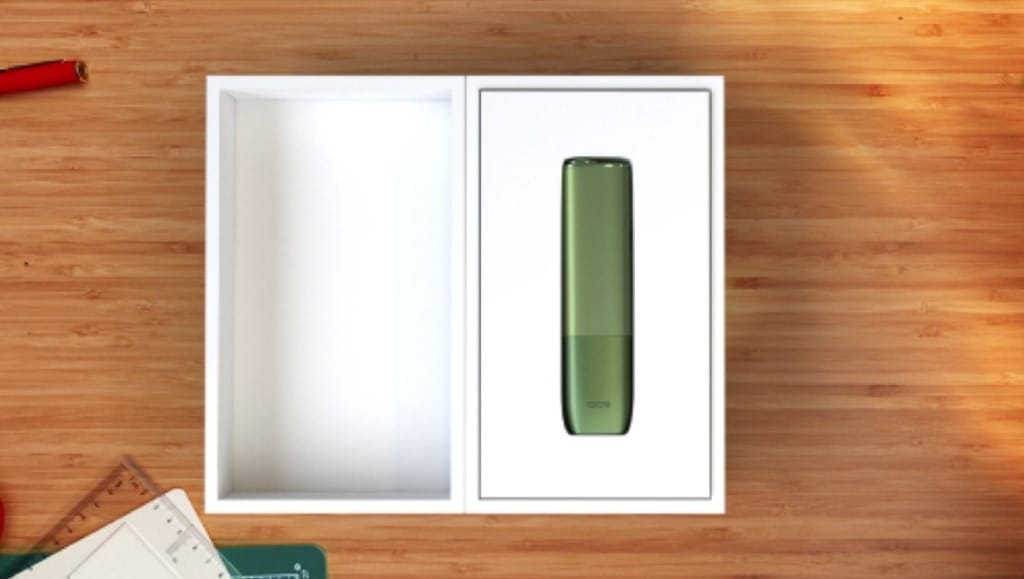

Charging your IQOS ILUMA ONE
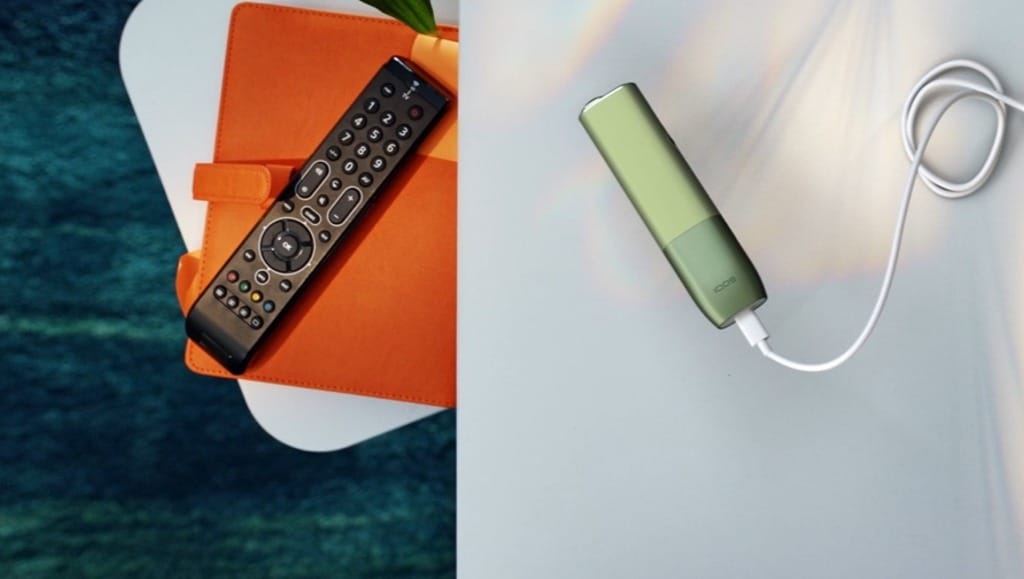
Tap the button on your IQOS ILUMA ONE to check the battery level. If the bottom of the light strip blinks yellow, this means the battery is low on charge.
Charge the IQOS ILUMA ONE with the compatible power adaptor. For a full charge, plug the device for at least 75 minutes. When full, all lights will stay solid white and then turn off.

IQOS ILUMA ONE usage tips
Inserting TEREA sticks
Make sure you only use TEREA sticks with your IQOS ILUMA ONE. They are single use so ensure you do not reinsert a used one.
Keeping battery power
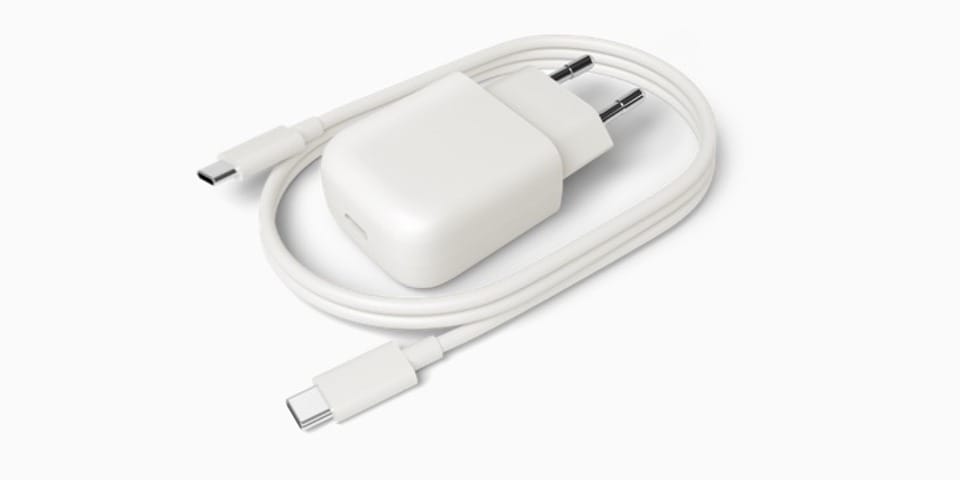
Charging your IQOS ILUMA PRIME Pocket Charger on a daily basis is the best way to ensure your IQOS is always ready. Always charge the Pocket Charger with the compatible (Sold separately) power adaptor.
Customize your device
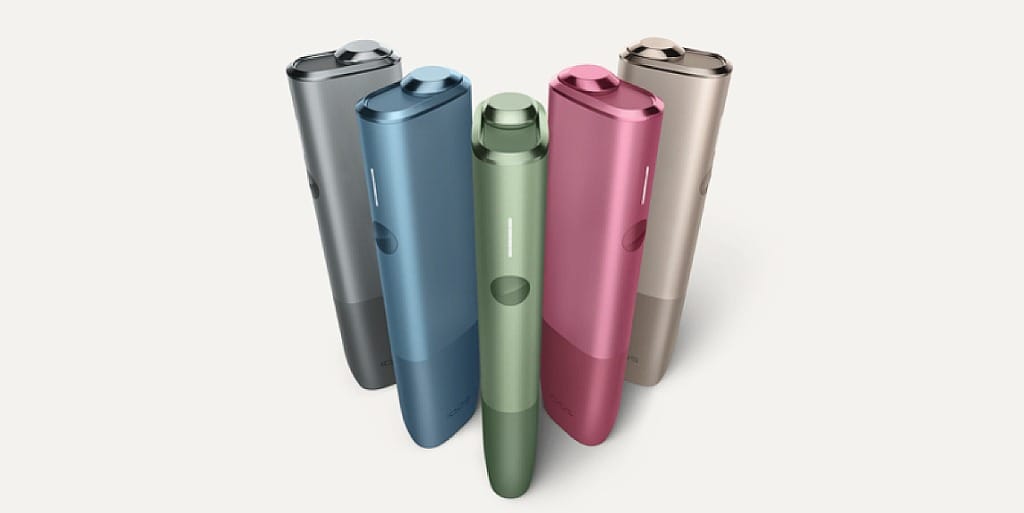
Customize your IQOS ILUMA ONE with our range of accessories. Mix and match designs and colors to make it more personalized.
Do not use IQOS ILUMATM and TEREATM sticks with previous IQOSTM generations, as this may cause damage to your device. Do not ingest or disassemble TEREATM sticks. This product contains a sharp metal part which can cause serious injury if swallowed. Keep out of reach of children.
IQOS ILUMA ONE User Guide
Our IQOS ILUMA ONE User Guide will let you deep dive into how your device works and how to use it.
Having problems? Troubleshoot your IQOS ILUMA ONE
Something we haven’t covered?
There are several ways you can reach us:

Contact with our IQOS experts via online chat and get technical support in seconds. The chat is open every day from 10:00 to 19:00.

If you want to speak with an IQOS expert, call us at 0 800 003 003. Our call center is open every day from 10:00 to 19:00


Your question might have already been asked before. Browse our FAQs to see if there’s an answer waiting for you.