
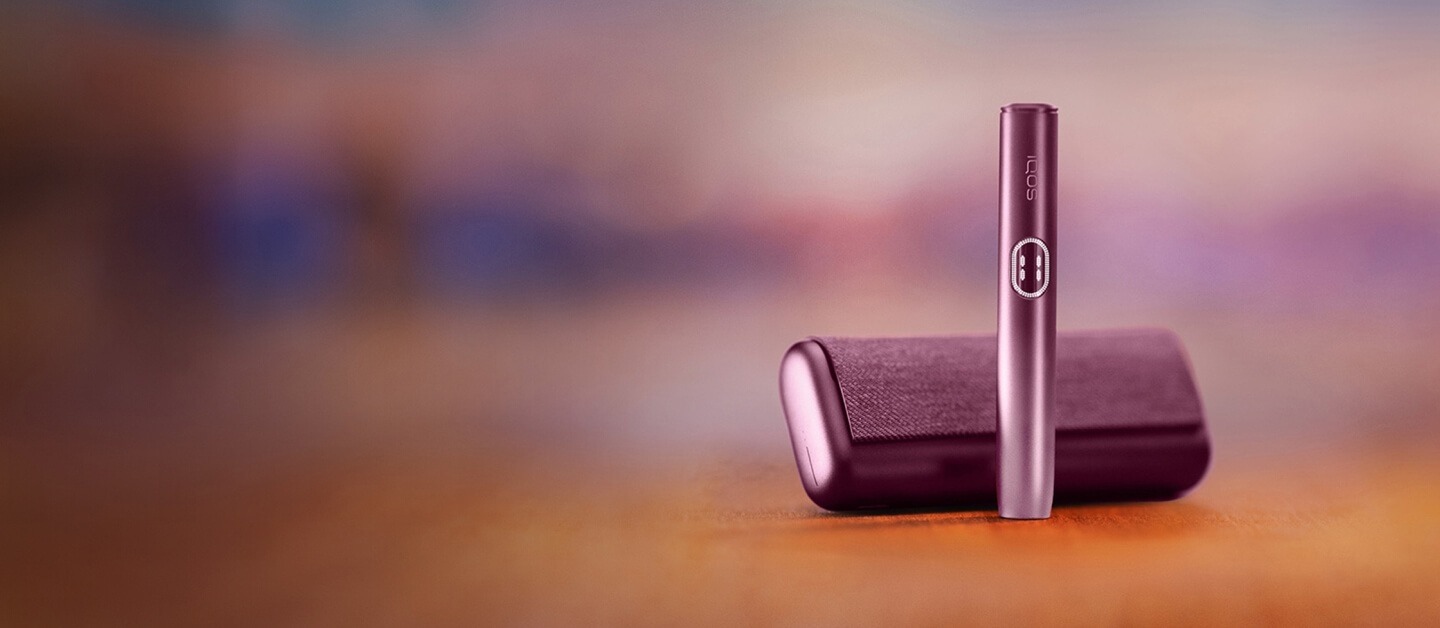
Self-diagnose your IQOS ILUMA i PRIME


Number “0” flashing on the Touch Screen
Is number “0” flashing on the Touch screen of your IQOS ILUMA i PRIME holder 3 times? Then your holder is discharged, and here is how to charge your holder:
- Place the holder back inside the IQOS ILUMA i PRIME Pocket Charger. Ensure it is placed correctly and close the Pocket Charger door.
- Make sure your pocket charger is charged enough to fully charge the holder.
- Leave the holder to charge, until at least one holder’s status light turns solid white on the Pocket Charger.
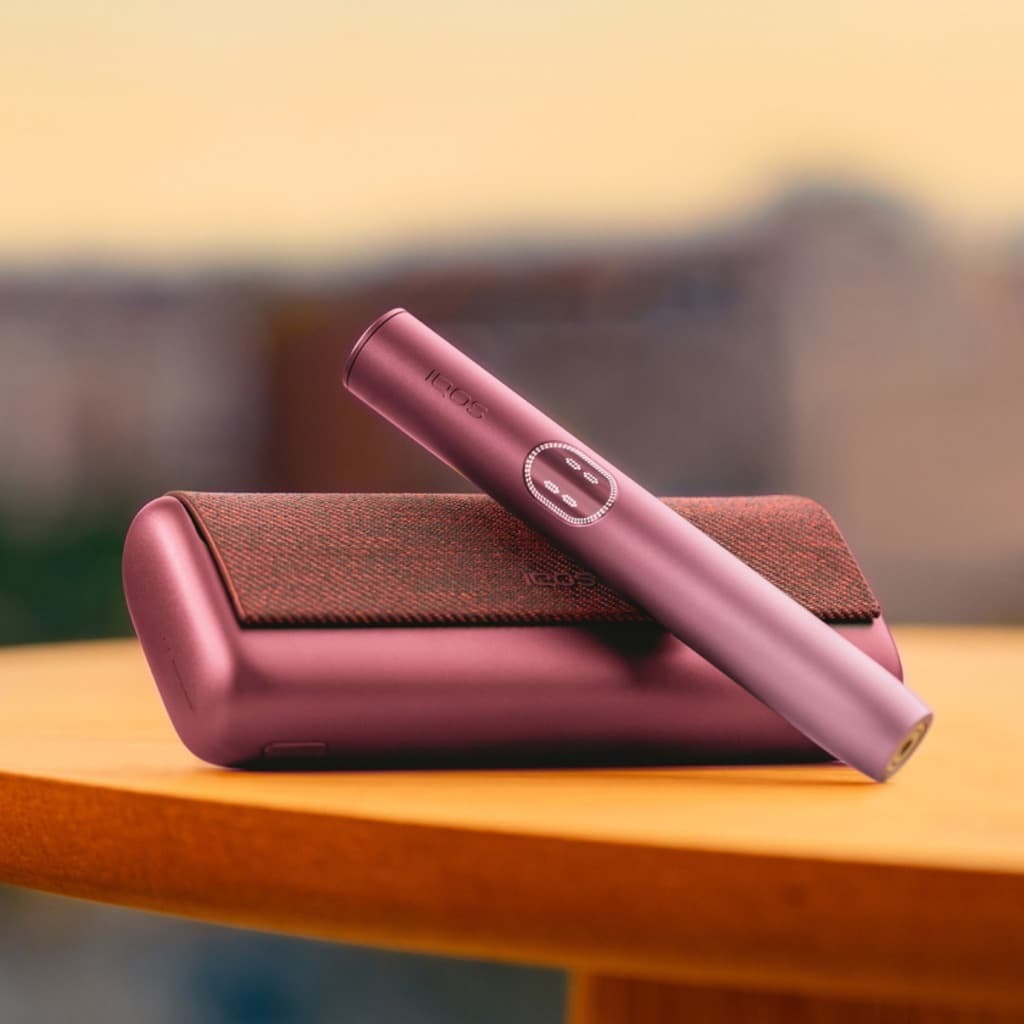
Lights on holder not turning ON
After swiping up, are your holder lights not turning ON? Here’s what to do to resolve the no lights issue on the holder:
- Check whether the Pocket Charger is charged for at least one experience. To identify this, at least one solid white light will turn on.
- Clean the contacts between the holder and the Pocket Charger.
- Place the holder inside the Pocket Charger – ensure it is placed correctly – and leave the holder until at least one of the holder lights on the Pocket Charger turns solid white.
- Remove the holder from the Pocket Charger and press the holder’s button (short press).
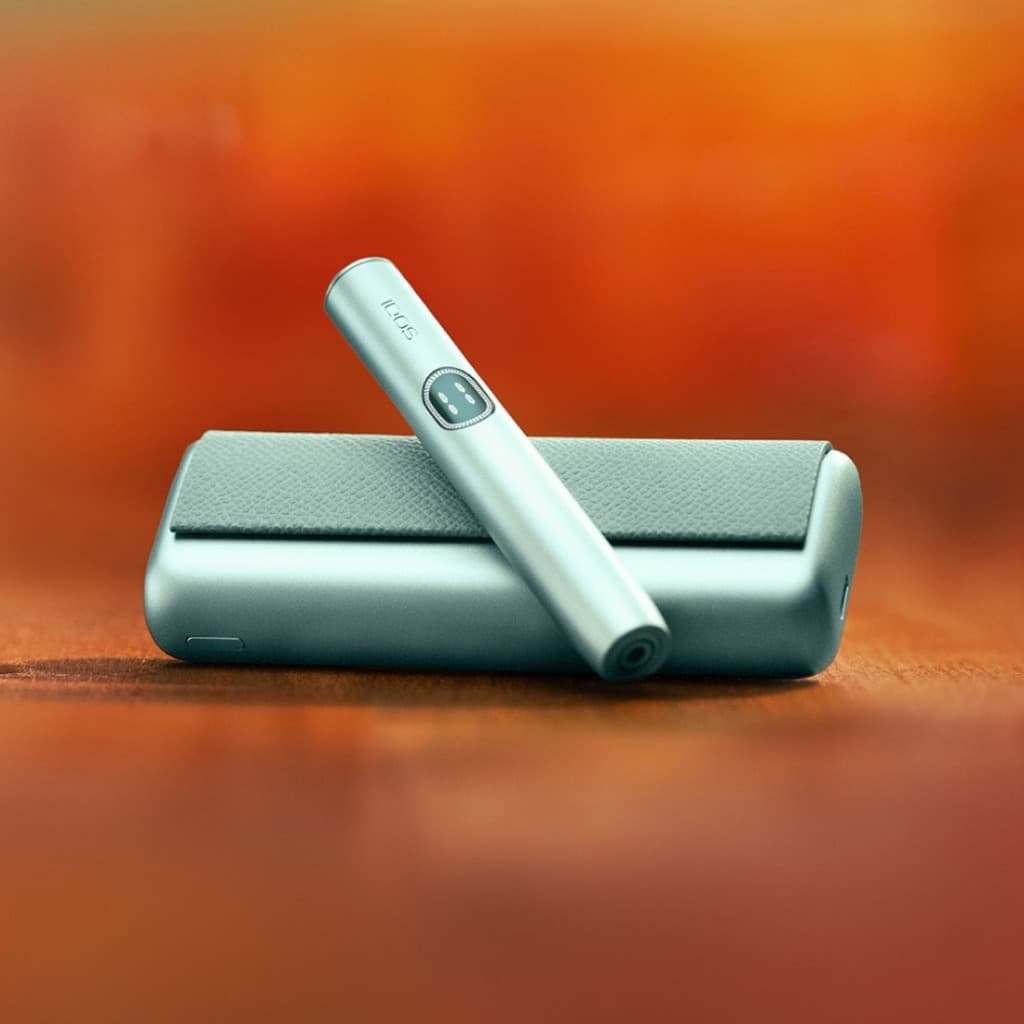
Pause mode is unavailable
As a first step, ensure that the Pause feature is activated on your device:
- Pause mode is illustrated by 2 short vertical lines at the top of the Touch Screen.
- If no vertical lines are displayed, it means your device does not have the Pause feature activated. You may visit our branded store to activate the feature.
If Pause Mode is available:
- Pause Mode can be used once in the first or second consecutive use (if your device is in Performance Mode) and can be activated within the first 3 minutes, or 8 puffs of the experience.
1. Swipe down across the entire Touch Screen to activate the Pause mode.
- If the swiping motion does not cover the entire length of the Touch Screen, Pause mode will not be activated.
2. To resume the experience, swipe up across the entire Touch Screen and wait for the preheating to complete.
- Pause Mode can last up to 8 minutes. If the experience is not resumed, the holder will automatically switch off.
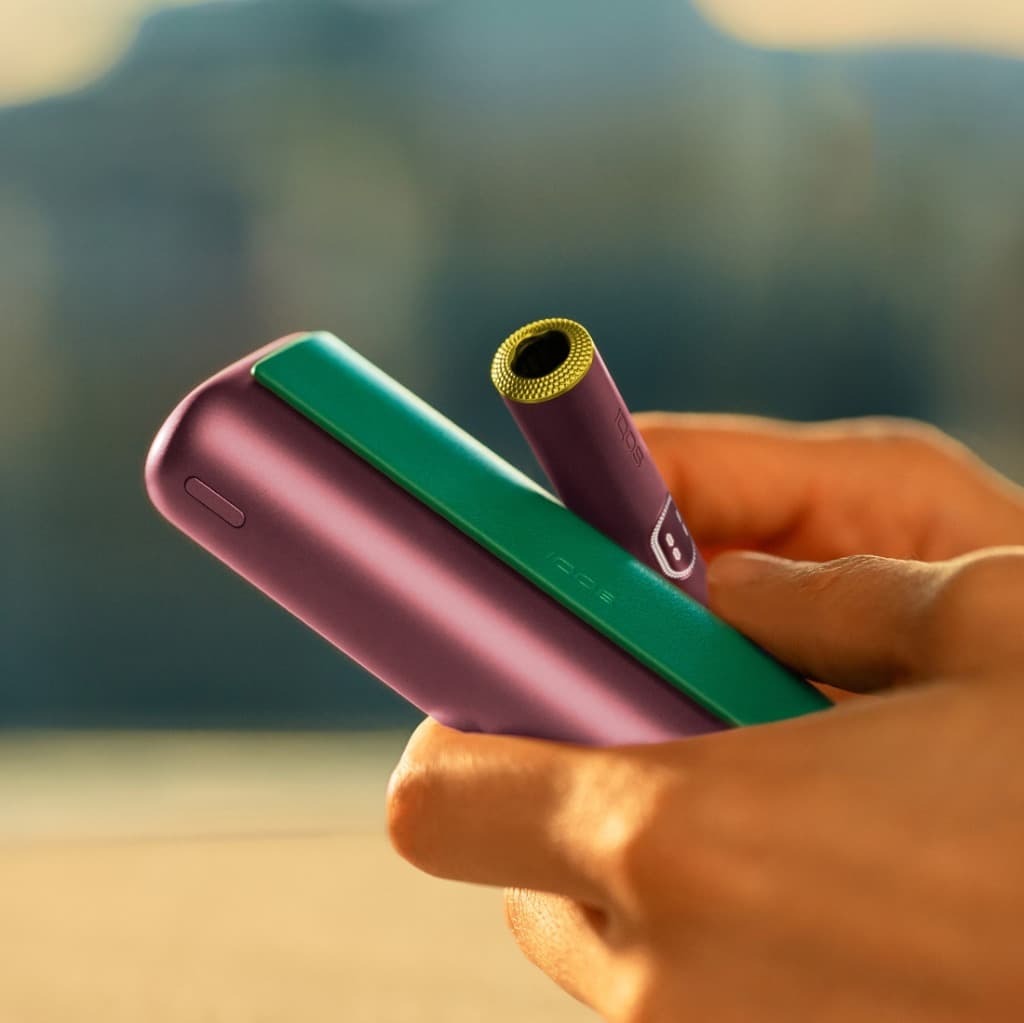
FlexPuff not working
FlexPuff activation and number of puffs depend on individual usage patterns.
Your device will automatically analyze the consumed volume of aerosol and might activate FlexPuff.
Thus, the extended experience might not apply to all adult consumers and/or experiences.
When Pause is used, FlexPuff cannot be activated.
If FlexPuff is activated, you will be granted 4 extra puffs that can still be used within up to 6 minutes of experience duration.
You can activate/deactivate this feature by visiting our official IQOS stores.
IQOS ILUMATM is designed to be used only with SMARTCORE STICKSTM. Do not use IQOS ILUMATM and SMARTCORE STICKSTM with previous IQOSTM generations, as this may cause damage to your device. Do not ingest or disassemble SMARTCORE STICKSTM. This product contains a sharp metal part which can cause serious injury if swallowed. Keep out of reach of children.
Frequently asked questions
Still have questions?
You can contact us the way you want.


Frequently asked Questions
Do you have any questions? Maybe you can find the answers here.

Livechat
An easy way to find answers to your questions.

Talk to experts
Our customer care center will answer all your questions.

You can also send your questions via email.
IQOS ILUMATM is designed to be used only with SMARTCORE STICKSTM.
Do not use IQOS ILUMATM and SMARTCORE STICKSTM with previous IQOSTM generations, as this may cause damage to your device. Do not ingest or disassemble SMARTCORE STICKSTM. This product contains a sharp metal part which can cause serious injury if swallowed. Keep out of reach of children.