
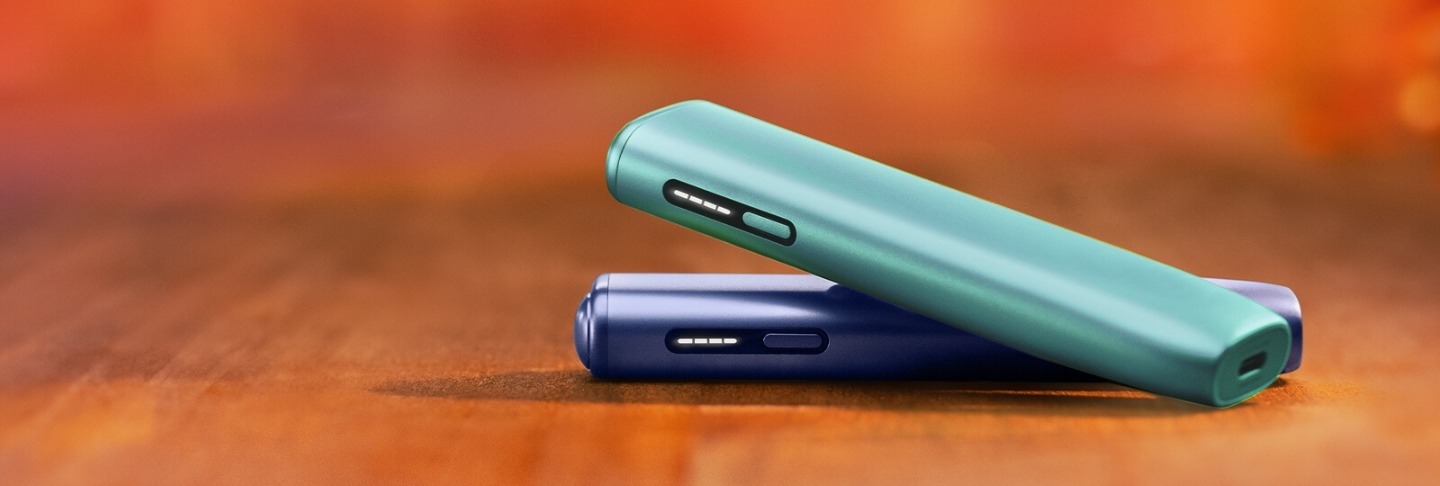
First steps with IQOS
ILUMA i ONE


How to use your new IQOS ILUMA i ONE
You have got your new IQOS ILUMA i ONE: Here’s how to use IQOS ILUMA i ONE for the first time
- Press and hold the ON/OFF button of your device for 4 seconds and then release; Your device Status Lights will turn ON slowly.
- Before first use, fully charge your device for approx. 90 min following the enclosed Safety Warning & Instructions.
- Slide to open the cap. Insert a SMARTCORE STICKTM up to the filter line, until the device vibrates and Light(s) pulse(s).
- Preheating happens automatically after 1st vibration or by pressing the button for 1 second. The device is ready to use after the 2nd vibration.
- During use, the Status lights will indicate the remaining time of your experiences. When the device vibrates and the light flash, you have 2 last puffs or 30sec left.
- Once your experiences finished, remove the used SMARTCORE STICKTM and dispose as per Safety Warnings & Instructions.
- Slide to close the cap.
Watch the tutorial to learn more on how to charge IQOS ILUMA i ONE
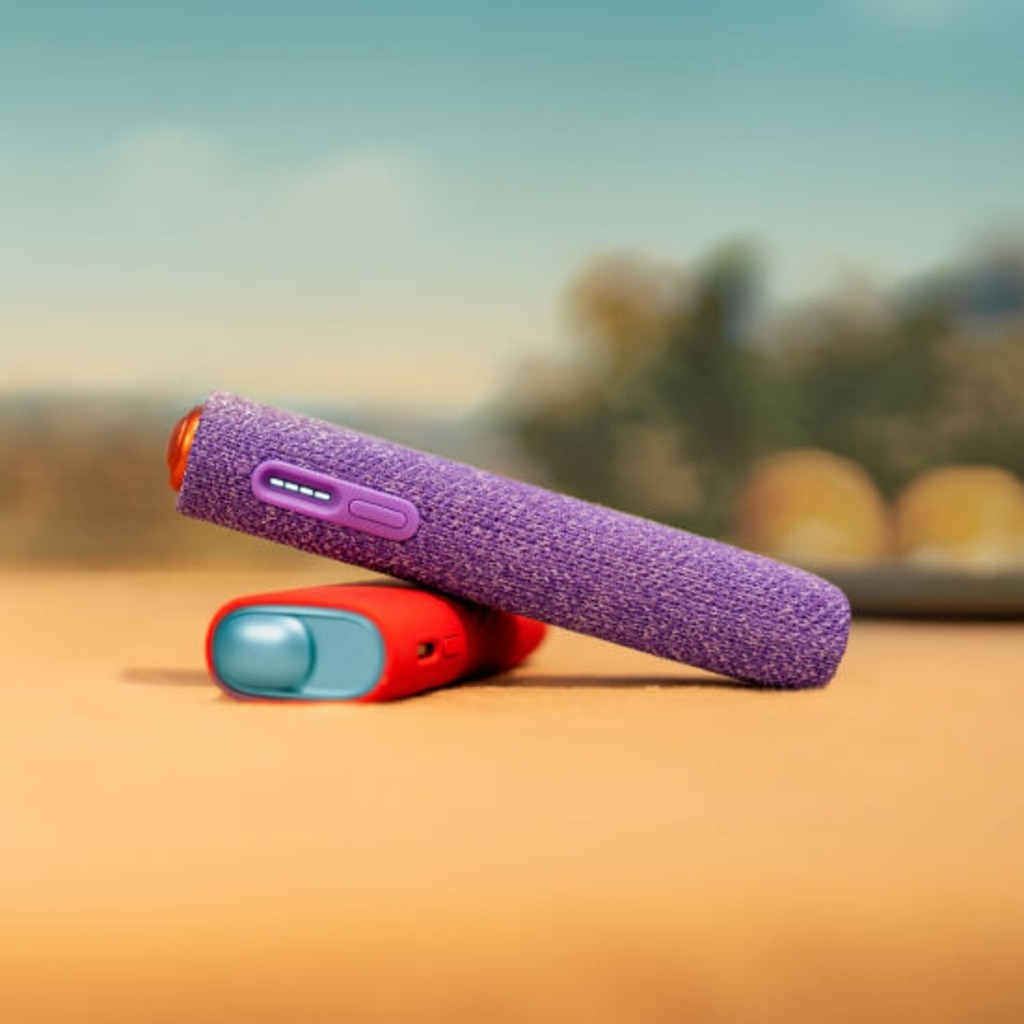

How to charge your IQOS ILUMA i ONE and how long to charge it
Follow these easy steps to ensure the optimal charging for your device:
- Plug the AC Power Adaptor (sold separately) and cable to your device and then to a wall power outlet for 90 min for full charge.
- During charging, the strip lights on the device will pulse.
- If your device is fully discharged, the first light may take a few seconds to start blinking yellow. Once the device goes over 7% of charge, the color of the blinking light will change from yellow to white.
- While charging, the status light blinks, indicating the level of the charge:a. All 4 strip lights turn solid white: 100% charge levelb. 3 strip lights turn solid white: 75% charge levelc. 2 strip lights turn solid white: 50% charge leveld. 1 strip light turns solid white: 25% charge level
Watch the tutorial to learn more on how to charge IQOS ILUMA i ONE.
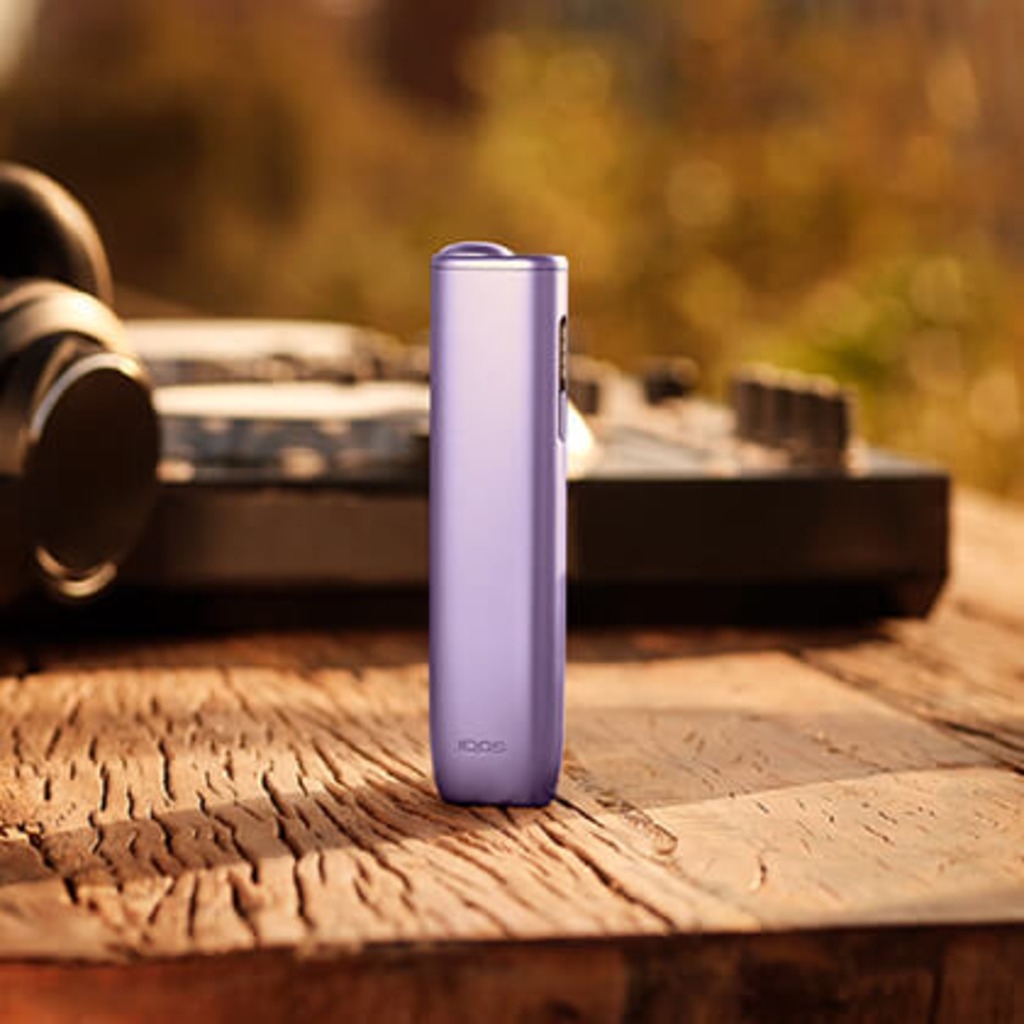

IQOS ILUMA i ONE Advanced features
FlexPuff
- FlexPuff is a smart feature that may extend your experience duration by up to 6 minutes, depending on your individual usage patterns. Your device automatically analyzes the volume of aerosol consumed and may activate FlexPuff. If activated, you will be granted 4 extra puffs that can be used within the remaining time of the 6 minutes. FlexPuff is designed to work specifically with tobacco sticks. Activation and the number of extra puffs depend on individual usage habits, so the extended experience may not apply to all adult consumers or sessions. FlexPuff does not activate when pause mode is used. The Light Guide will indicate when additional puffs are available. Please ensure that pause mode is not activated during use, as this will prevent FlexPuff from being triggered.
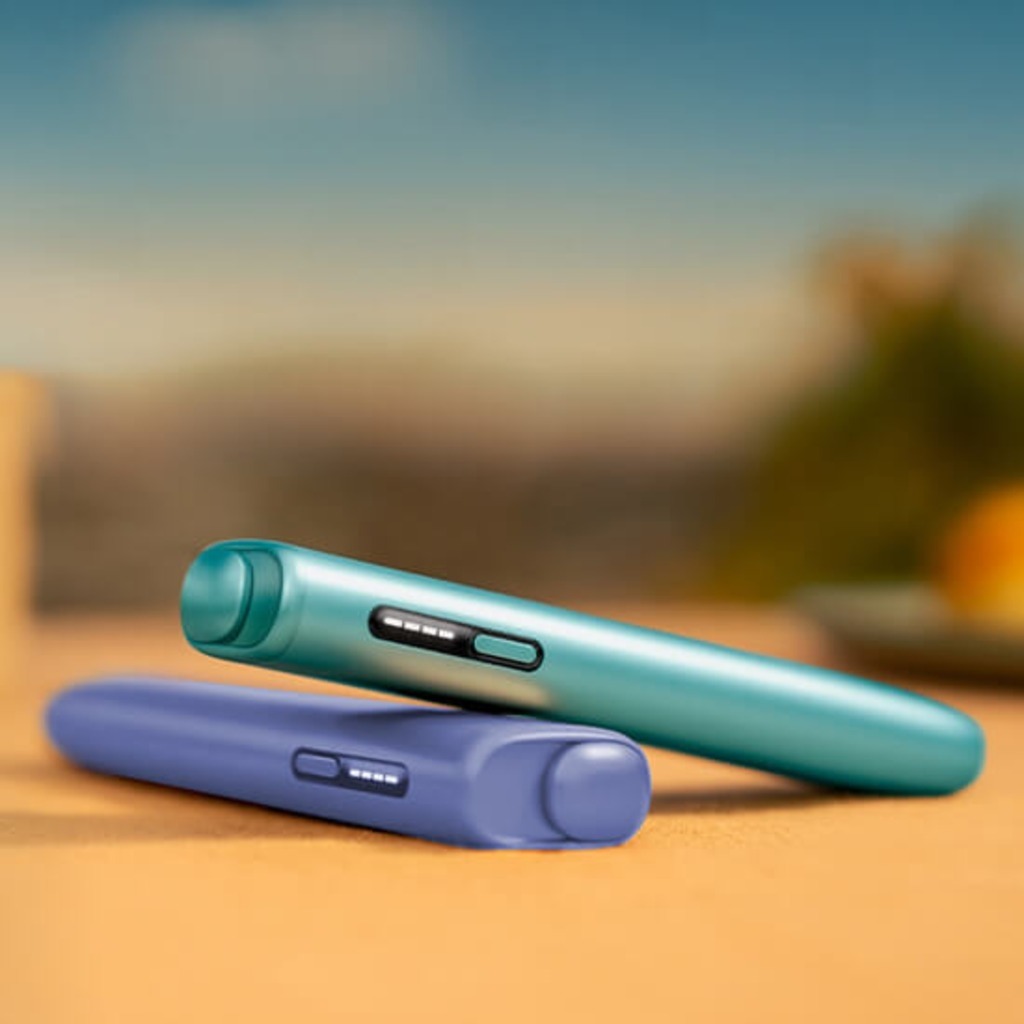
How IQOS ILUMA i ONE works: usage tips
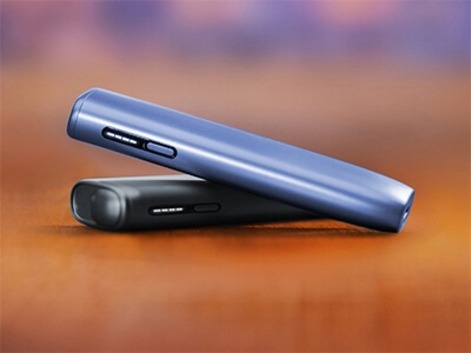
Inserting SMARTCORE STICKSTM
Make sure you only use SMARTCORE STICKSTM with your IQOS ILUMA i ONE. They are single use, so ensure you do not reinsert a used one.
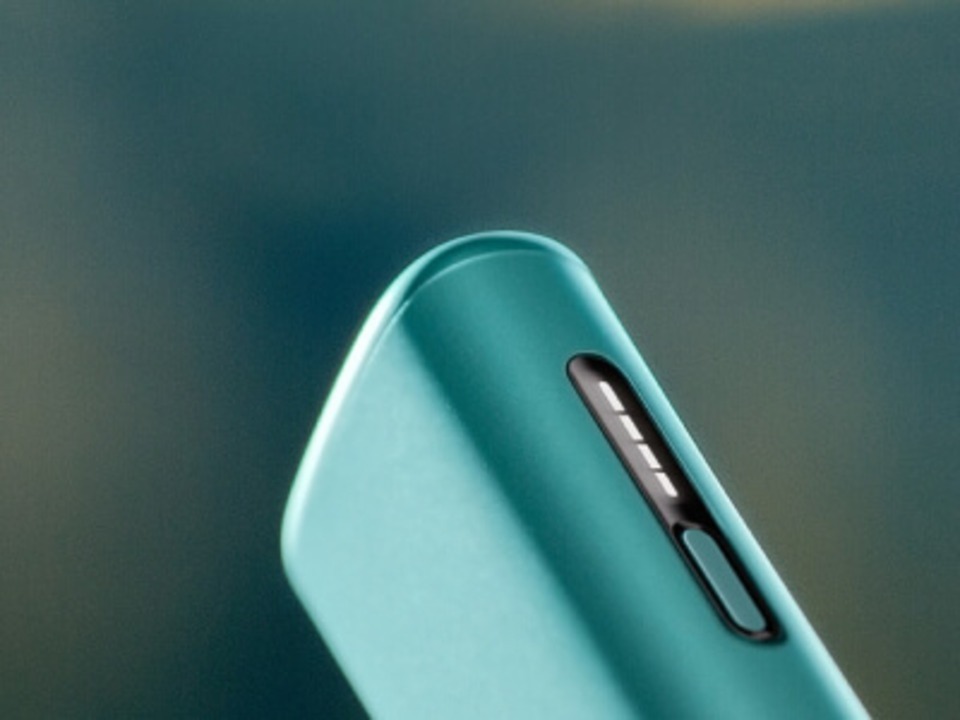
Keeping device charged
Charge your IQOS ILUMA i ONE with compatible AC Power Adaptor (sold separately) and cable on a daily basis.
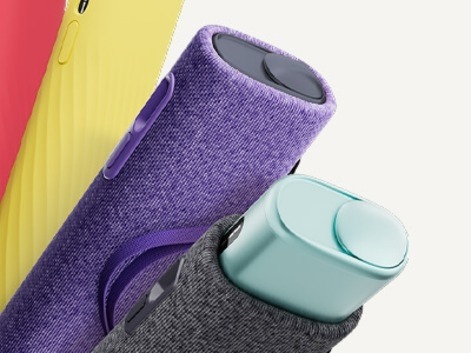
Customise your device
Customize your IQOS ILUMA i ONE with our range of accessories. Mix and match designs and colors to make it truly yours.


IQOS ILUMA i ONE User Guide
That’s not all. There’s more useful information on our IQOS ILUMA i ONE User Guide.
This product is not risk free and provides nicotine, which is addictive. Only for use by adults.
Does your device have a problem? Troubleshoot your IQOS ILUMA i ONE
Still have questions?
You can contact us the way you want.


An easy way to find answers to your questions.


IQOS ILUMATM is designed to be used only with SMARTCORE STICKSTM. Do not use IQOS ILUMATM and SMARTCORE STICKSTM with previous IQOSTM generations, as this may cause damage to your device. Do not ingest or disassemble SMARTCORE STICKSTM. This product contains a sharp metal part which can cause serious injury if swallowed. Keep out of reach of children.
Visit Important information.